Alarms
86
Instructions for Use Infinity Acute Care System - Monitoring Applications SW VG1
Enabling/Disabling Alarms
Except for the following parameters, you can
enable or disable the alarm function for individual
parameters:
– Asystole and ventricular fibrillation (for these
arrhythmia events you cannot disable alarms
unless the ASY/VF feature is set to Follow HR)
– Cardiac output (C.O.)
– Injectate temperature (Tinj)
– Pulmonary wedge pressure (PWP)
– Paced beats (% paced)
– Perfusion index (PI)
– Parameters originating from a device that is
displaying its values on the Cockpit using the
device connectivity option
When you disable alarms, no audible and visual
alarm signals are triggered for that parameter.
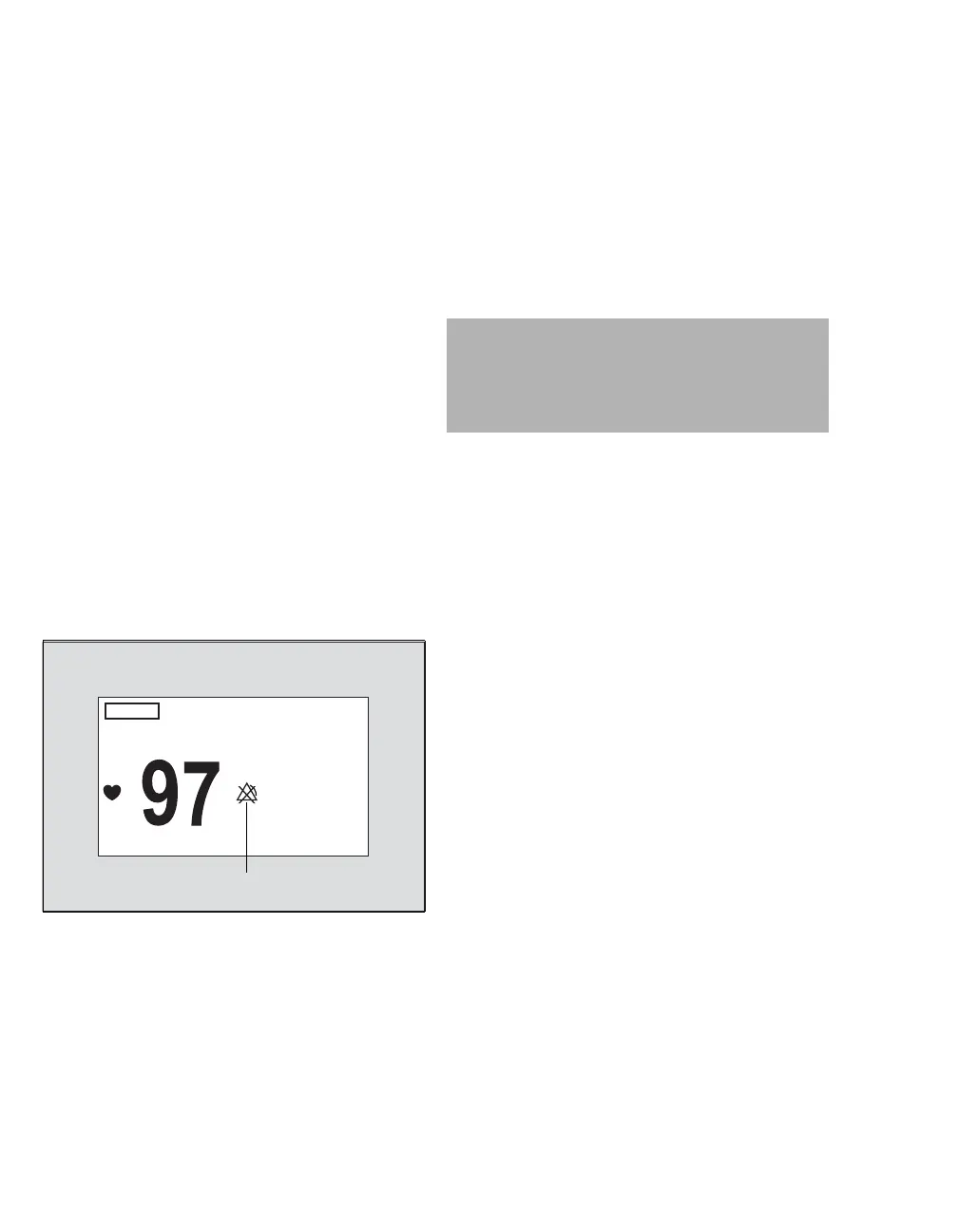
When alarm monitoring is disabled, a crossed-out
triangle (A) appears in the parameter box.
When you enable the alarm function for a
parameter, the set alarm limits replace the crossed-
out triangle.
Upper and Lower Alarm Limits
You can configure manually the upper and lower
alarm limits of a parameter to trigger audible and
visual alarm signals if a parameter goes above or
below the set limits. You can also auto-set the
alarm limits of all parameters quickly based on a
percentage. For more information on the Auto set
function, see page 96.
Archive Function
Depending on the active archive setting, the
following happens in response to an alarm limit
violation:
– An automatic strip recording (see chapter
Reports/Recordings)
– An electronic event storage in the alarm history
for later review (see page 97)
For information on configuring the archive function,
see page 90.
030
A
WARNING
Setting alarm limits to extreme values may
prevent certain alarm conditions from being
detected and from being enunciated with
audible and visual alarm signals.










 To Next Page