Caring for Mimio Capture Kit
1. Use the lint-free cloth to wipe the exterior of the Mimio Capture Kit pens, and eraser.
2. Remove dirt and smudges with one of the cleaning solutions mentioned above.
Do not allow liquid into any openings on the equipment.
Mounting the Mimio Capture Kit
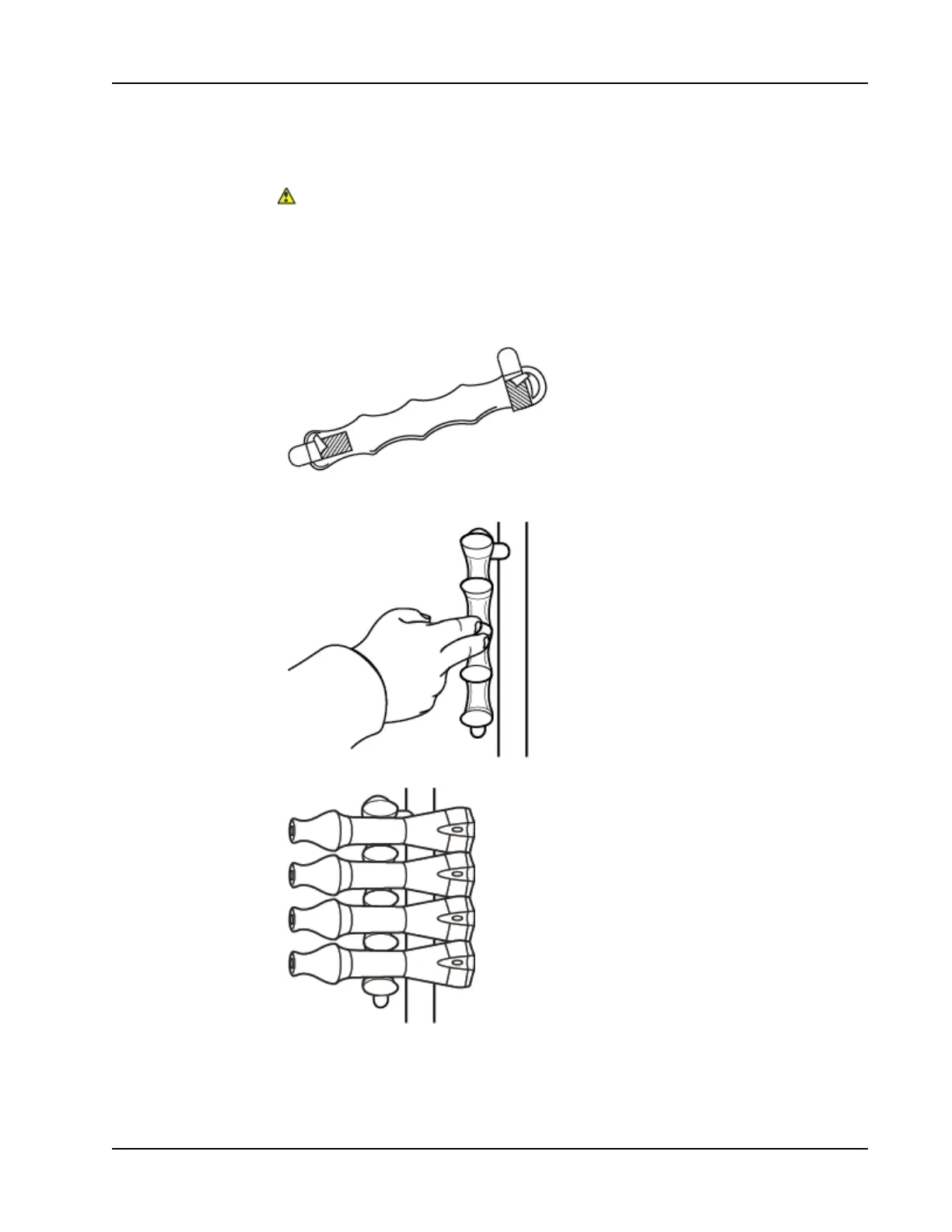
The Mimio Capture Kit pen and eraser holders attach securely to any whiteboard.
To mount the Mimio Capture Kit pen holder
1. Remove the paper backing from the adhesive strips on the back of the pen holder to
expose the adhesive.
2. Hold the Mimio Capture Kit pen holder vertically, and press firmly against the
whiteboard as shown.
3. Insert the Mimio Capture Kit pens into the pen holder when not in use.
To mount the Mimio Capture Kit eraser holder
91



 To Next Page