Mimio Interactive
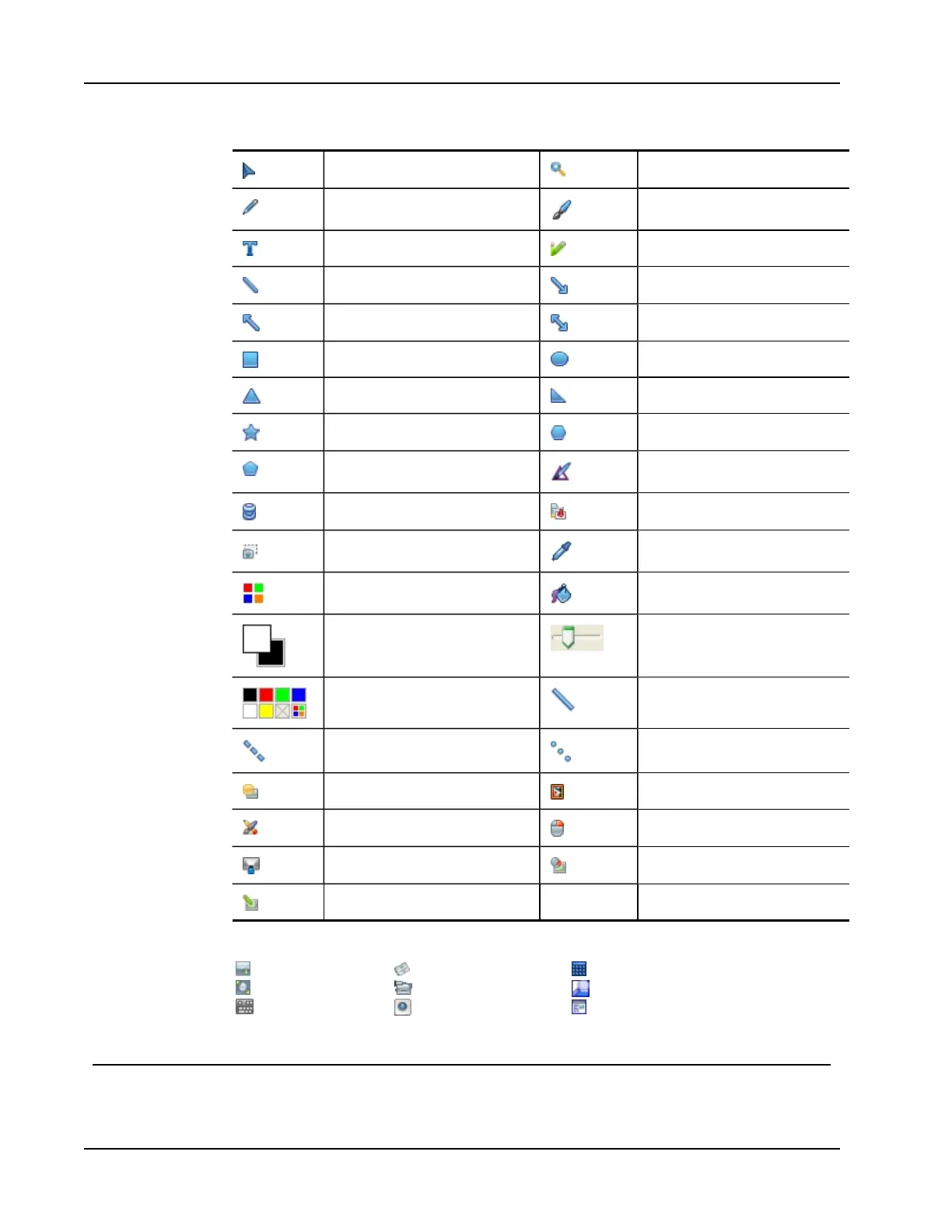
Selection tool Zoom
Pen Brush
Text Highlighter
Line Arrow End
Arrow Start Arrow Both
Rectangle Ellipse
Triangle Right Triangle
Five Pointed Star Hexagon
Pentagon Shape Recognition
Eraser Insert file
Screen clipping Color picker
More colors Object Fill
Outline and Fill color Thickness slider
Color palette Solid Line
Dash Line Dotted Line
Transparency Gallery
Applications (see below) Right-click
Interactive Mouse
Screen Annotation
From the Applications tool, you can access the following:
Reveal
Spotlight
Text Tools
Quick Vote
Recorder
View
Calculator
Magnify
Web Browser
Getting Started
Review the following topics to install and start using your Mimio Interactive.
54



 To Next Page