MimioVote
creating activities in Notebook quick and easy.
For more information about using MimioStudio Notebook and Gallery, see About
MimioStudio.
About the Vote Toolbar
The Vote Toolbar includes all the tools you need for taking attendance, conducting class
activities, gathering student responses, and viewing results. The Vote Toolbar is available in
MimioStudio Notebook and Microsoft PowerPoint.
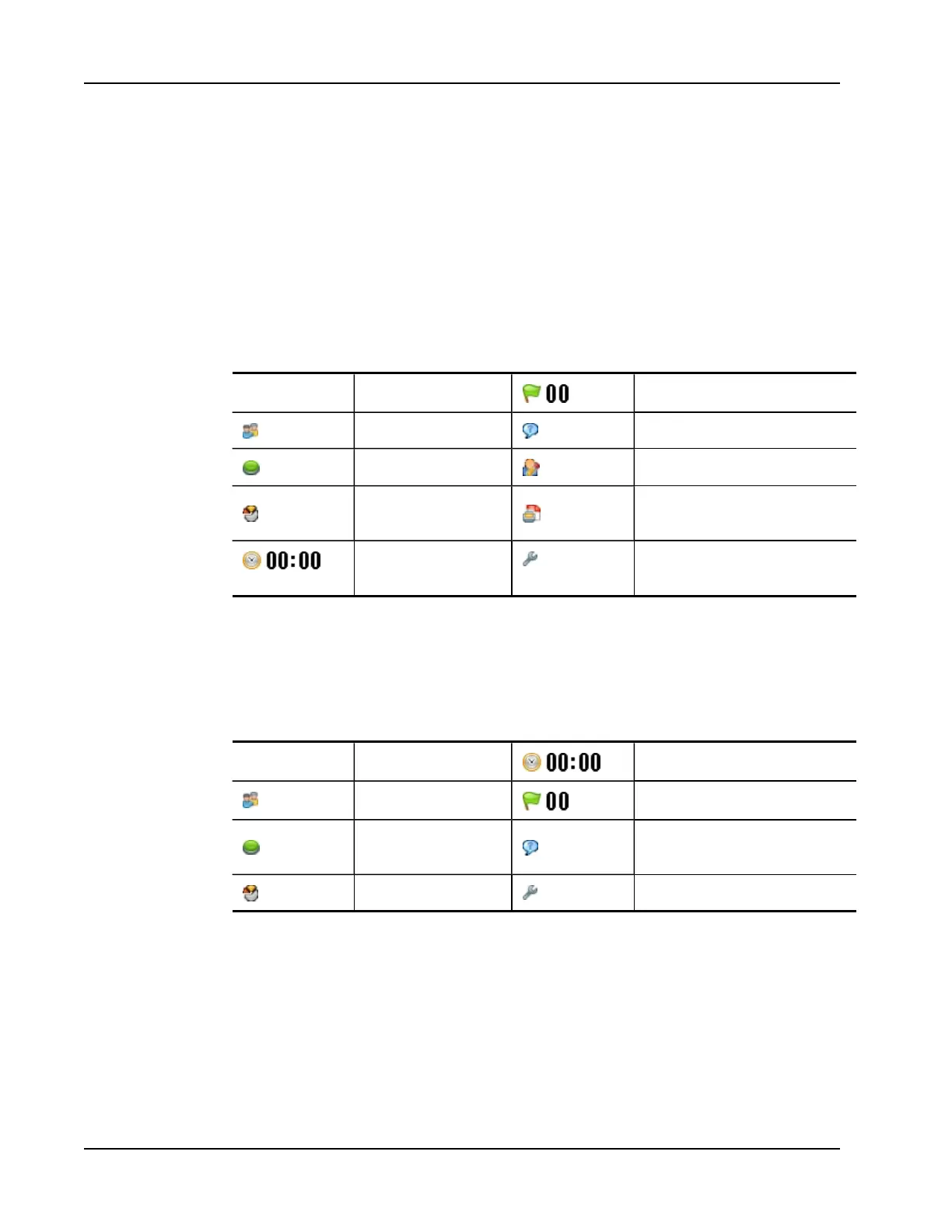
The following table describes the major features of the Vote Toolbar in MimioStudio
Notebook and Microsoft PowerPoint.
Choose Class Select class Number responded
Take attendance View help requests
Start/stop polling Start self-paced activity
View results
Print self-paced activity
(MimioStudio Notebook only)
Timer display Settings (Microsoft PowerPoint
only)
About MimioStudio Quick Vote
You can use MimioStudio Quick Vote to ask questions that are not a part of a Notebook or
PowerPoint MimioVote activity. You can use Quick Vote to add a question at any time
during a Teacher-Led activity.
The following table describes the major features of MimioStudio Quick Vote.
Choose Class Select class Timer display
Take attendance Number responded
Select question type and
start/stop polling
View help requests
View results Settings
About MimioStudio Gradebook
MimioStudio Gradebook stores the results for all of your class activities. Student responses
gathered using the MimioVote system are automatically saved to the Gradebook along with
complete information for each question. You can also manually add activities that were not
conducted using the MimioVote system, making it easy to keep all your grades in one
location.
The following views are available in Gradebook, giving you easy access to the information
you want to view:
96



 To Next Page