MimioCapture
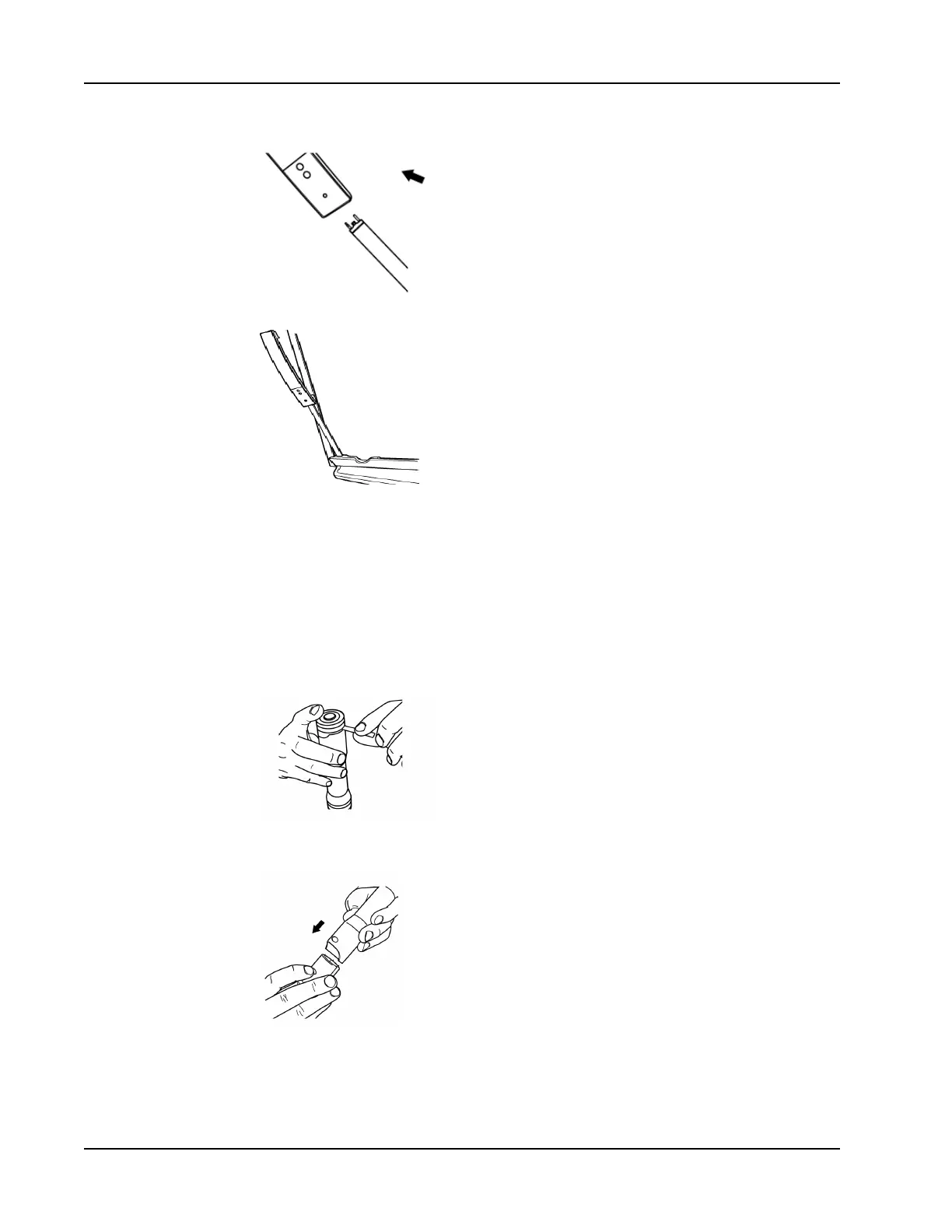
7. Reattach the MimioTeach bar along the left side of the whiteboard.
Setting Up the MimioCapture Pens
MimioCapture comes with four colored MimioCapture pens and four Expo
®
dry erase
markers. Before you can start using MimioCapture, you must first set up your MimioCapture
Pens.
The MimioCapture pens are each powered by a rechargeable lithium-ion battery. The pens
charge whenever they are docked on the MimioCapture tray.
To set up the MimioCapture pens
1. Pull the plastic strip from the top part of the pen to activate the rechargeable battery.
2. Press the button on the side of the pen and pull the top part of the pen from the pen
body.
3. Insert a colored Expo
®
dry erase marker into the matching colored pen body.
76



 To Next Page