Using Mimio Interactive
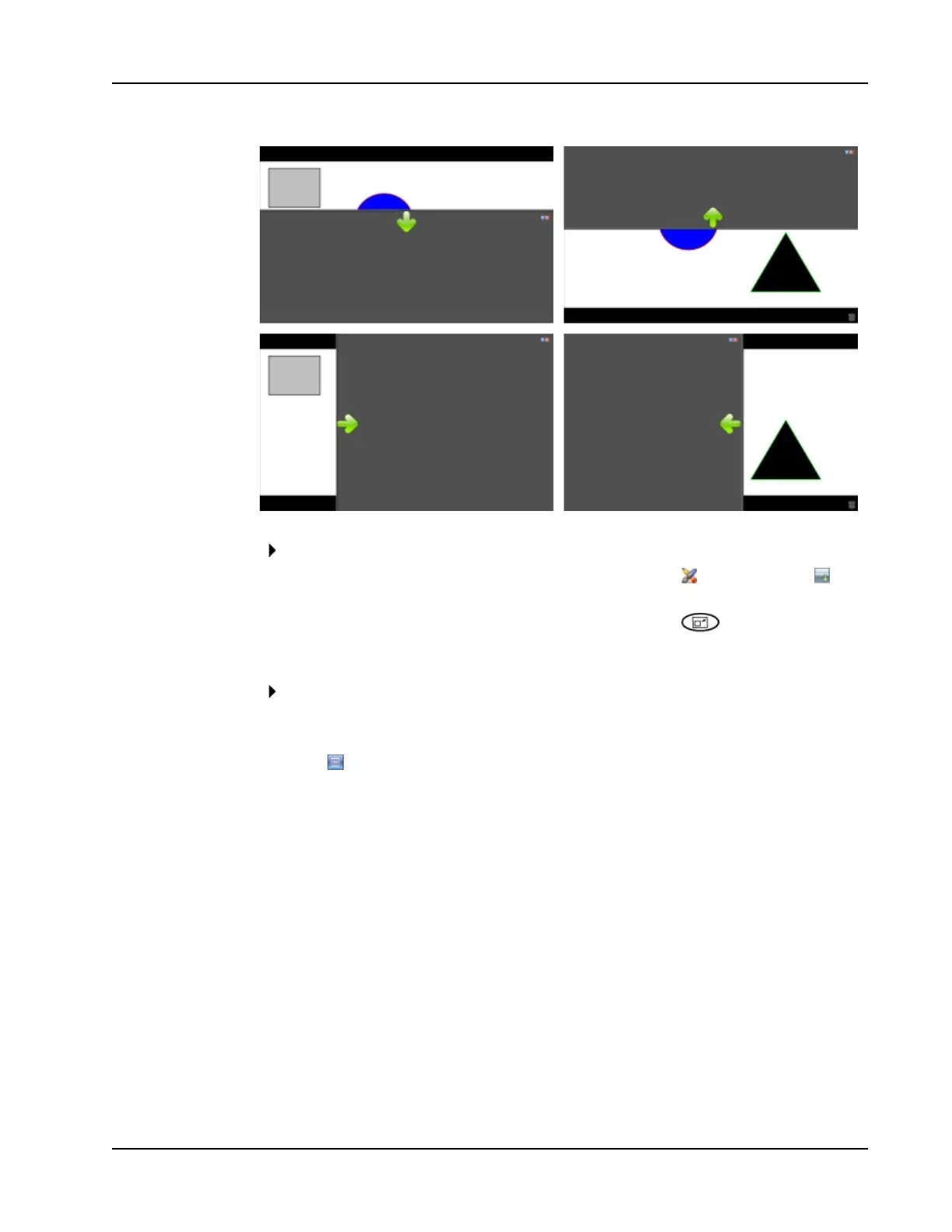
To use the Reveal tool
Do one of the following:
l
From MimioStudio Tools, click the Applications button, , and then choose
Reveal.
l
(Interactive mode only) Press the Resize window button, , on the Mimio
Interactive bar.
To adjust the revealed area
Click inside the shaded area and drag down, up, left, or right to reveal more or less of
the displayed area.
To adjust the transparency of the Reveal tool
1.
Click , and then point to Transparent.
2. From the Transparent list, choose a percentage.
A transparency of 0% means that the shaded area will be completely opaque.
Using the Spotlight Tool
The Spotlight tool masks the entire screen except for a small area, the spotlight. You can
then focus audience attention on a specific area of the screen. The spotlight area can be
reshaped, resized, and moved around the screen.
61



 To Next Page