Mimio Interactive
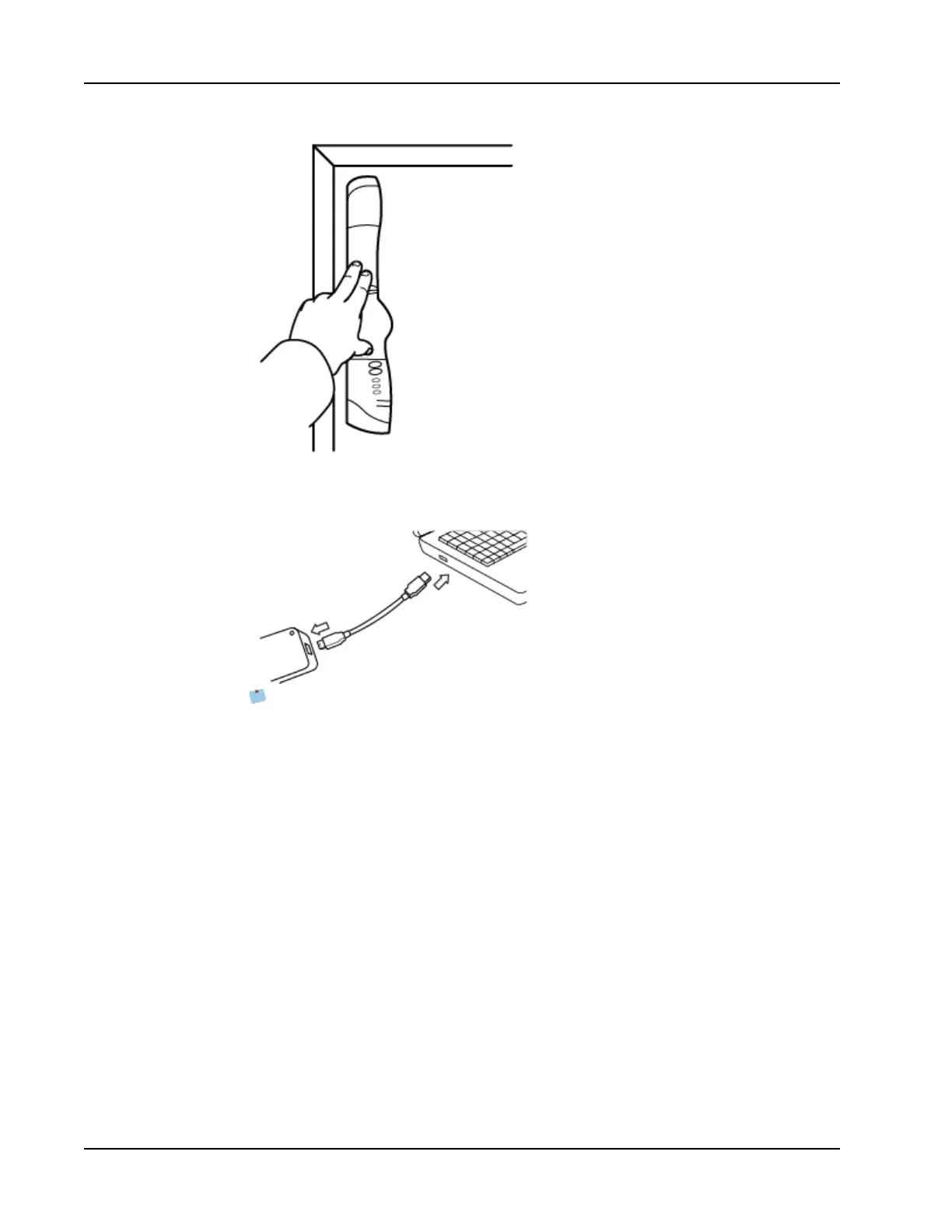
The Mimio Interactive bar attaches to any whiteboard using the suction cups on the
back of the bar.
6. Plug the wireless receiver into an available USBport on your computer.
If the Mimio Interactive bar will be used for extended periods of time or will be
used repeatedly in any one location, you should mount the bar using the included
brackets. See Mounting the Mimio Capture Kit for information about mounting the
bar using the brackets.
Setting Up Interactive Mode
Using MimioStudio Interactive mode, you can deliver lessons and presentations directly
from your whiteboard.
To use Interactive mode you need a projector, a Mimio Interactive-enabled whiteboard, and
a Mimio Interactive Mouse. Combined, these devices make for a powerful tool for
delivering lessons and presentations.
Projecting Your Desktop
If you are presenting from a MimioStudio Notebook or another application, such as a
PowerPoint presentation, you can open the application before or after Interactive mode is
enabled and calibrated.
To set up for Interactive mode
58



 To Next Page