MimioStudio
Button Action
Use this button to enter or exit the Fullscreen view.
Use this button to insert a new page
Use this button to return to the previous page in the Notebook.
Use this button to advance to the next page in the Notebook.
Working with Multimedia Objects
You can play, pause, fast forward, and rewind movie, animation, and sound objects you
added to your presentation.
To play video or audio
Click anywhere on the movie, animation, or sound object to play.
To show and hide the video and audio controls
1. While the video or audio is playing, click once anywhere on the object to view the
object controls.
2. Click the object again to hide the controls.
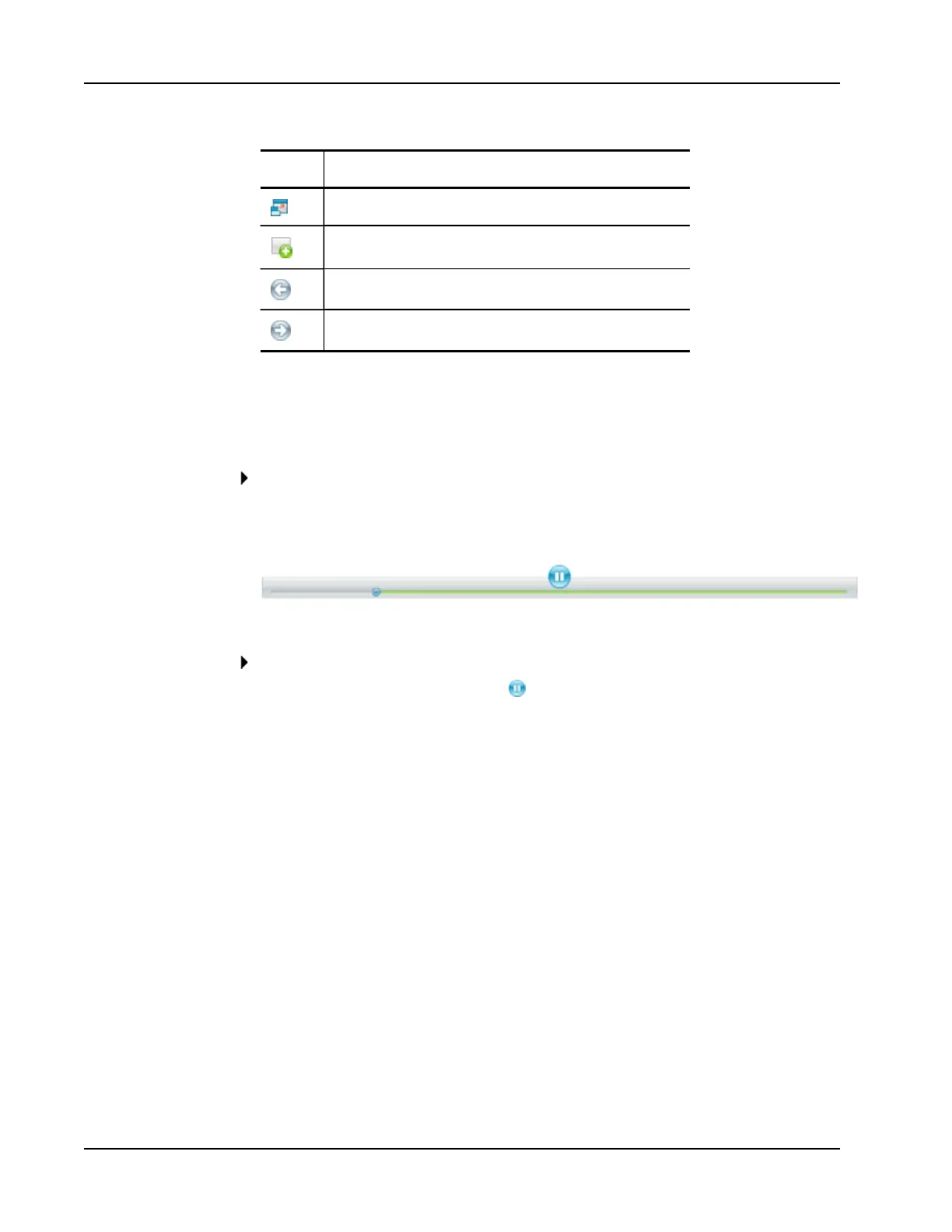
To pause, fast forward, or rewind video or audio
Do one of the following:
l
To pause the video or audio, click .
l To fast forward the video or audio, drag the slider to the right.
l To rewind the video or audio, drag the slider to the left.
28



 To Next Page