MimioTeach
Optionally, MimioTeach can be powered using three AAA batteries. For information
about using batteries to power the MimioTeach bar, see Inserting the Batteries.
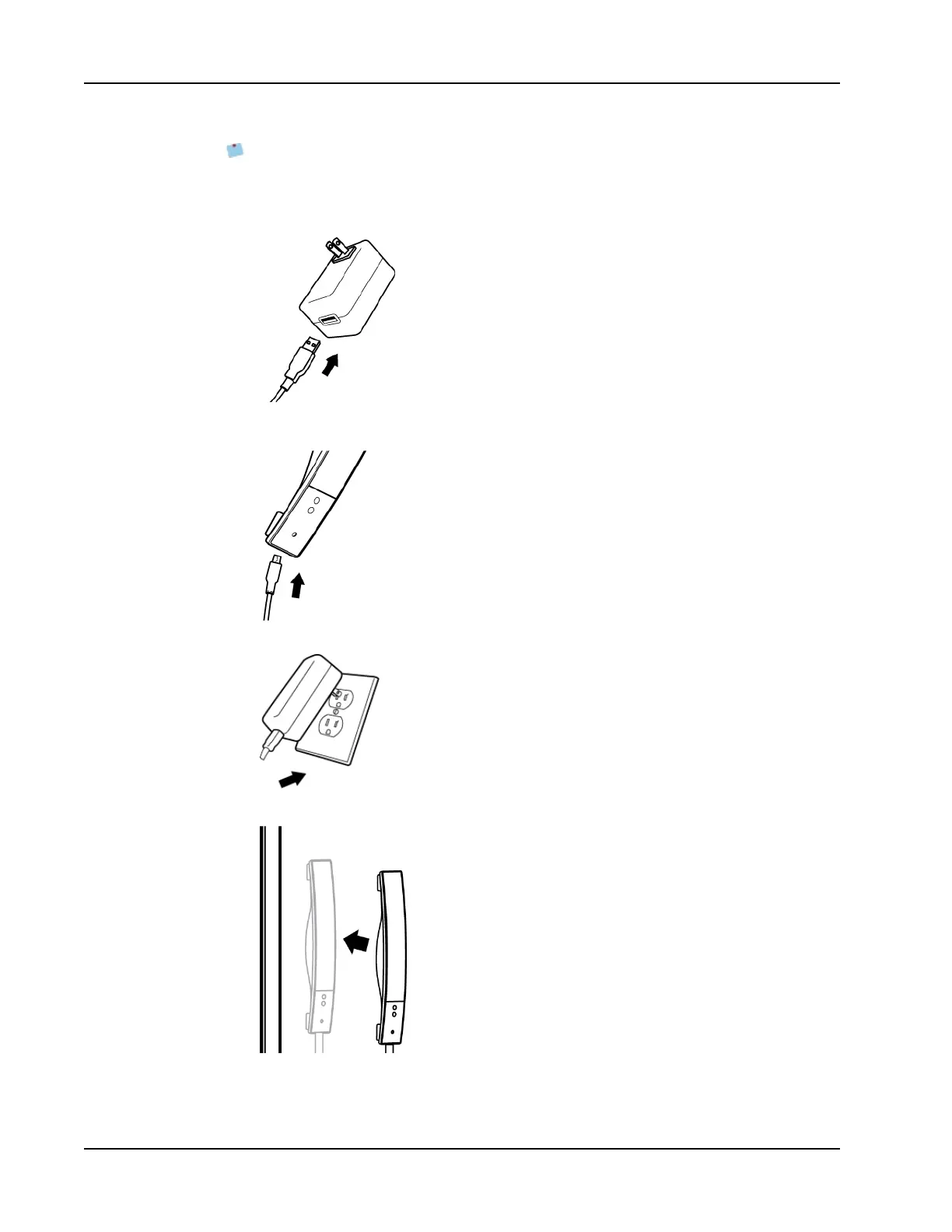
To set up the MimioTeach bar
1. Plug the USB cable into the USB port on the power adapter.
2. Plug the other end of the USB cable into the USB port on the MimioTeach bar.
3. Plug the power adapter into a power outlet.
4. Place the MimioTeach bar along the left edge of the whiteboard as shown.
34



 To Next Page