Contextual help of the web interface – 113
b Configure the SNMP V1 settings:
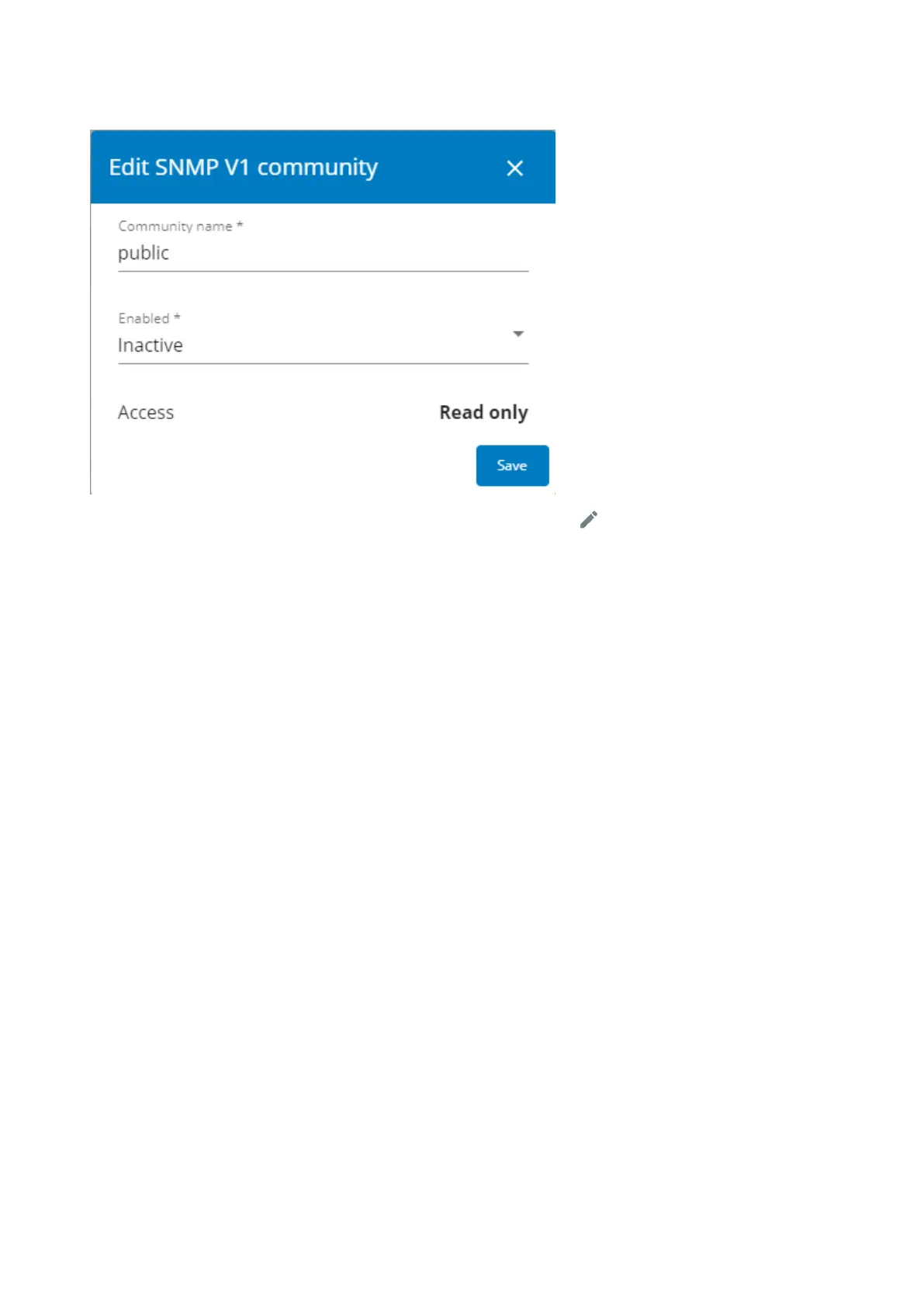
1.Click the edit icon on either Read Only or Read/Write account to access settings:
2. Enter the SNMP Community Read-Only string. The Network Module and the clients must share the same community name to
communicate.
3. SelectActivein the Enabled drop-down list to activate the account.
4. Access level is set to display information only.



 To Next Page