Contextual help of the web interface – 126
•
•
•
•
•
•
•
•
A confirmation window appears, pressContinueto proceed, this operation cannot be recovered.
b Export
Exports the selected certificate on your OS browser window.
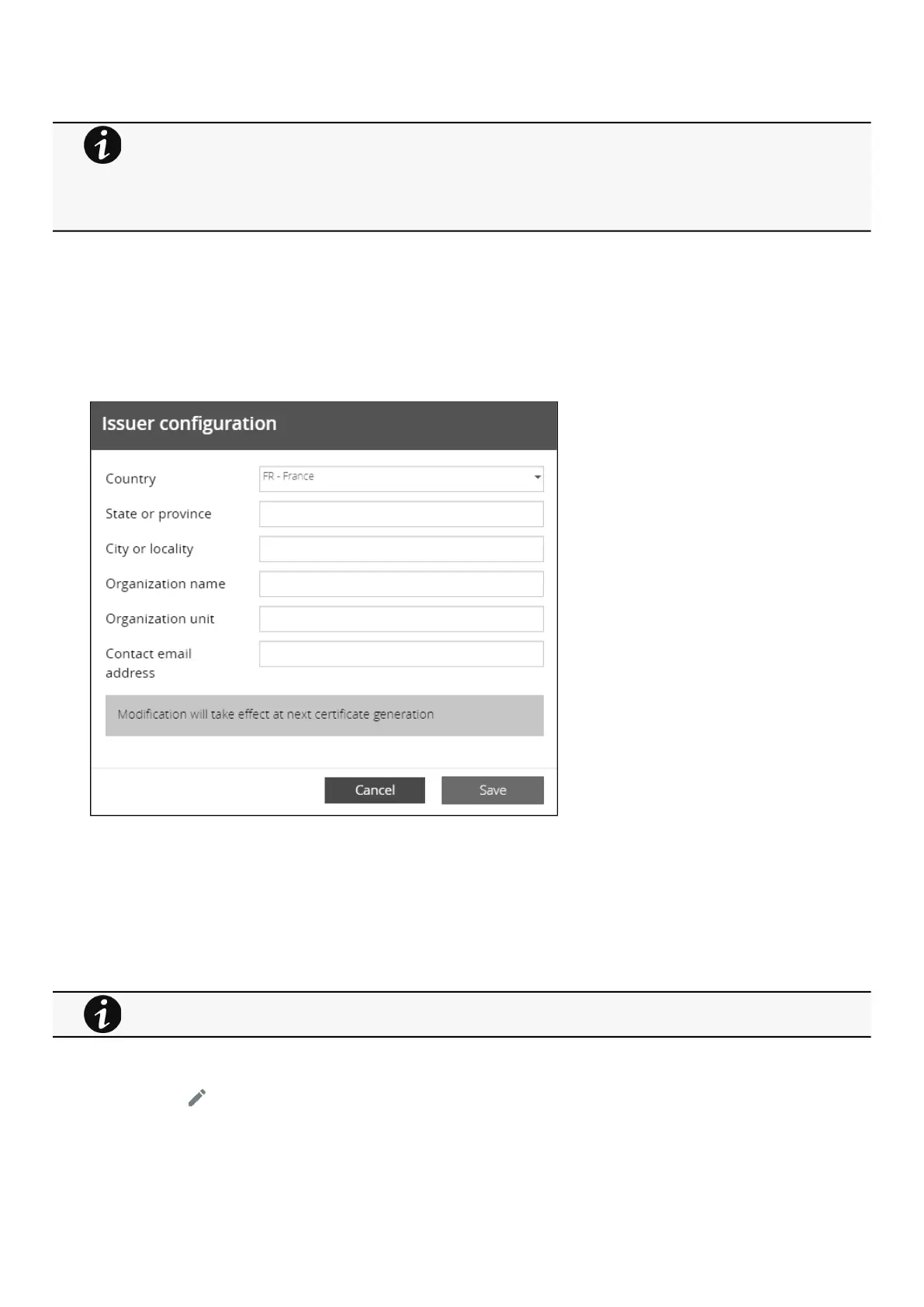
c Configure issuer
Press theConfigure issuerbutton.
A configuration window appears to edit issuer data.
Common name (CN)
Country (C)
State or Province (ST)
City or Locality (L)
Organization name (O)
Organization unit (OU)
Contact email address
PressSave button.
d Edit
Press the pen logo:
You will get access to the following:
Certificate summary
Revoke will replace current certificate by a new self-signed certificate.
This may disconnect connected applications:
- Web browsers
- Shutdown application
- Monitoring application
The certificate that is taken out of use with the revoke action cannot be recovered.
Issuer configuration will be applied only after the revoke of the certificate.



 To Next Page