Contextual help of the web interface – 127
•
•
Actions
Generate a new self-signed certificate.
Generate CSR.
Import certificate (only available when CSR is generated).
Details
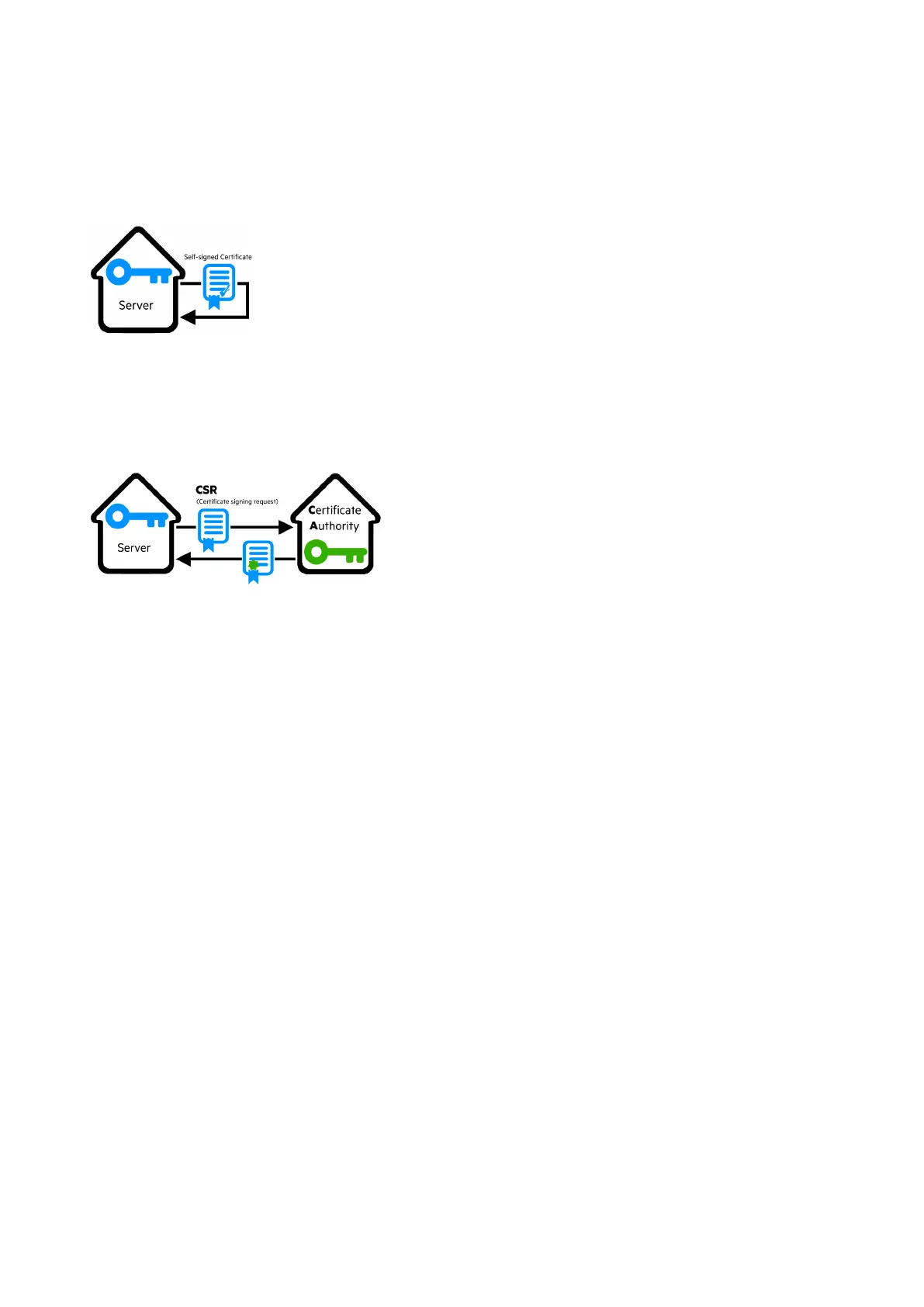
e Generate a new self-signed certificate
To replace a selected certificate with a new self-signed certificate.
This may disconnect applications such as a Web browser, shutdown application, or monitoring application.
This operation cannot be recovered.
f Create new certificates:
g CSR
PressGenerate Signing Request button in the in the certificate edition.
The CSR is automatically downloaded.
CSR must be signed with the CA, which is managed outside the card.
h Import certificate
When the CSR is signed by the CA, it can be imported into the Network Module.
When the import is complete, the new local certificate information is displayed in the table.
3.7.7.3 Certificate authorities (CA)
Manages CAs.



 To Next Page