Contextual help of the web interface – 128
•
•
•
•
•
•
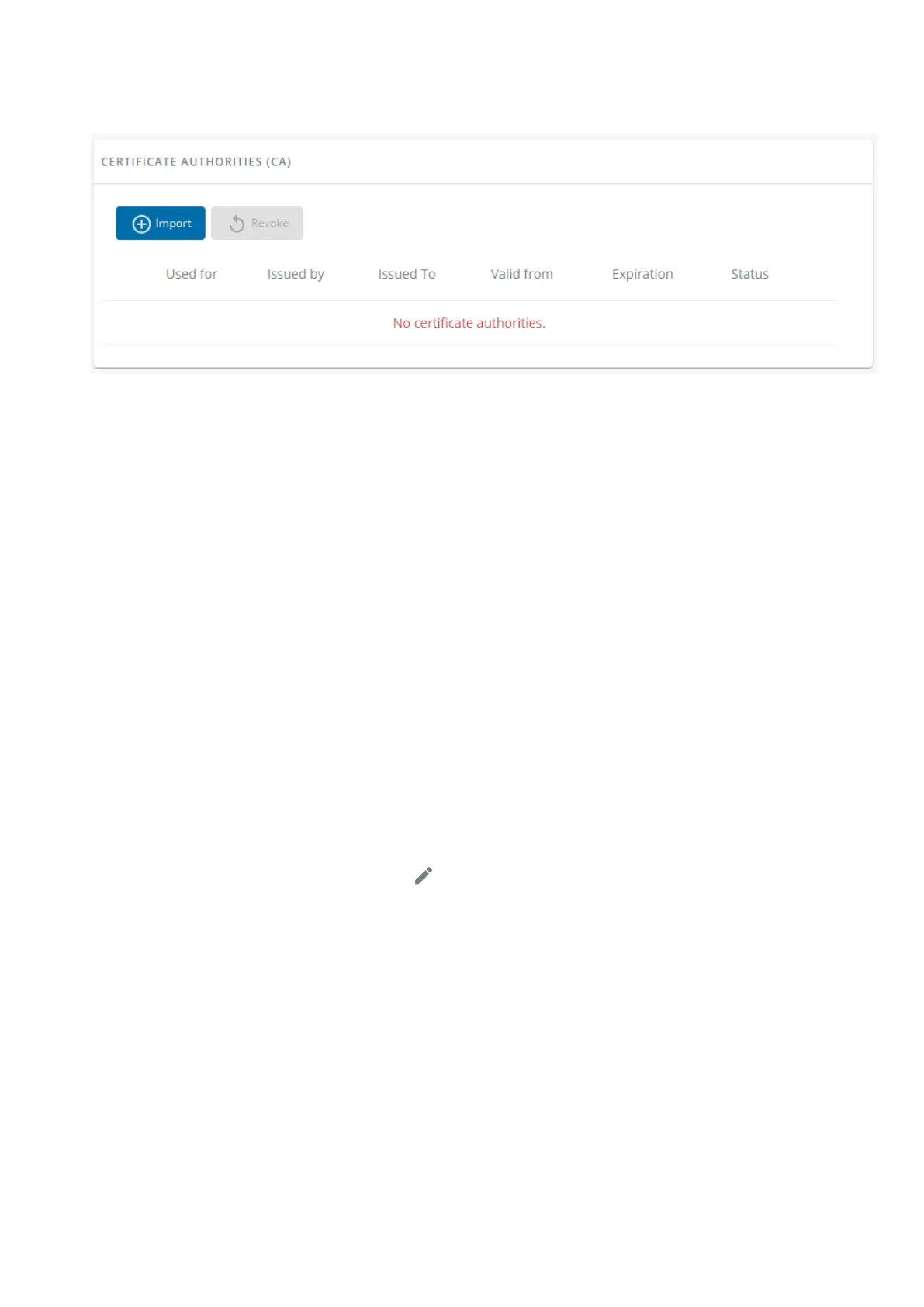
3.7.7.3.1 CA table
The table displays certificate authorities with the following details:
Used for
Issued by
Issued to
Valid from
Expiration
Status— valid, expires soon, or expired
3.7.7.3.2 Actions
a Import
When importing the CA, you must select the associated service, and then upload process can begin through the OS browser
window.
b Revoke
Select the certificate to revoke, and then press the Revoke button.
A confirmation window appears, press Continue to proceed, this operation cannot be recovered.
Export
Exports the selected certificate on yourOS browser window.
c Edit
Press the pen logoto access to the certificate summary:



 To Next Page