Contextual help of the web interface – 129
•
•
•
•
•
•
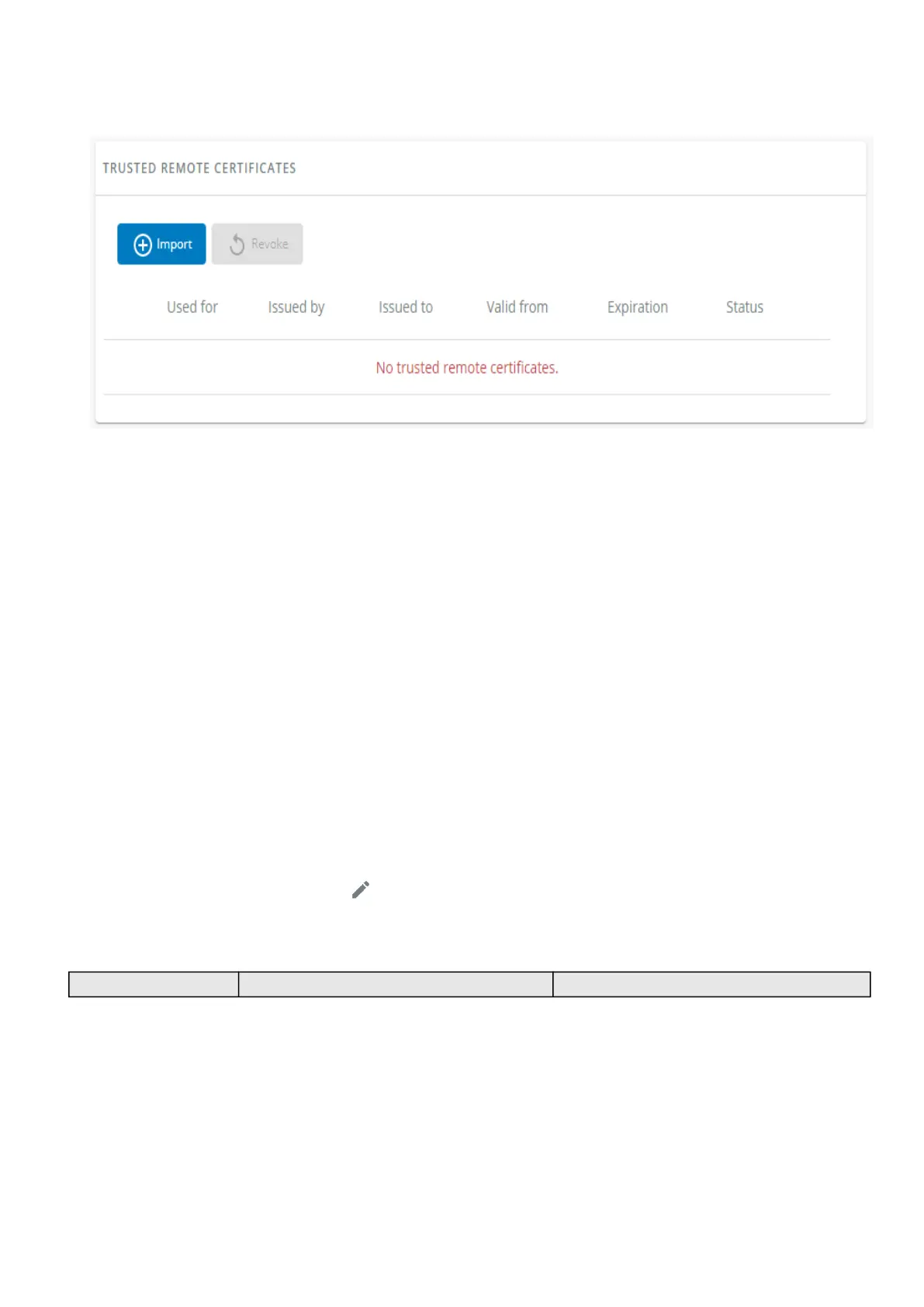
3.7.7.4 Trusted remote certificates
The table shows the following information for each trusted remote certificate.
Used for
Issued by
Issued to
Valid from
Expiration
In case a certificate expires, the connection with the client will be lost. If this happens, the user will have to recreate the
connection and associated certificates.
Status— valid, expires soon, or expired
3.7.7.4.1 Actions
a Import
When importing the client certificate, you must select the associated service, and then upload process can begin through the OS
browser window.
b Revoke
Select the certificate to revoke, and then press theRevokebutton.
A confirmation window appears, pressContinueto proceed, this operation cannot be recovered.
c Edit
Press the pen logoto the certificate summary:
3.7.7.5 Default settings and possible parameters - Certificate
Default setting Possible parameters



 To Next Page