Contextual help of the web interface – 71
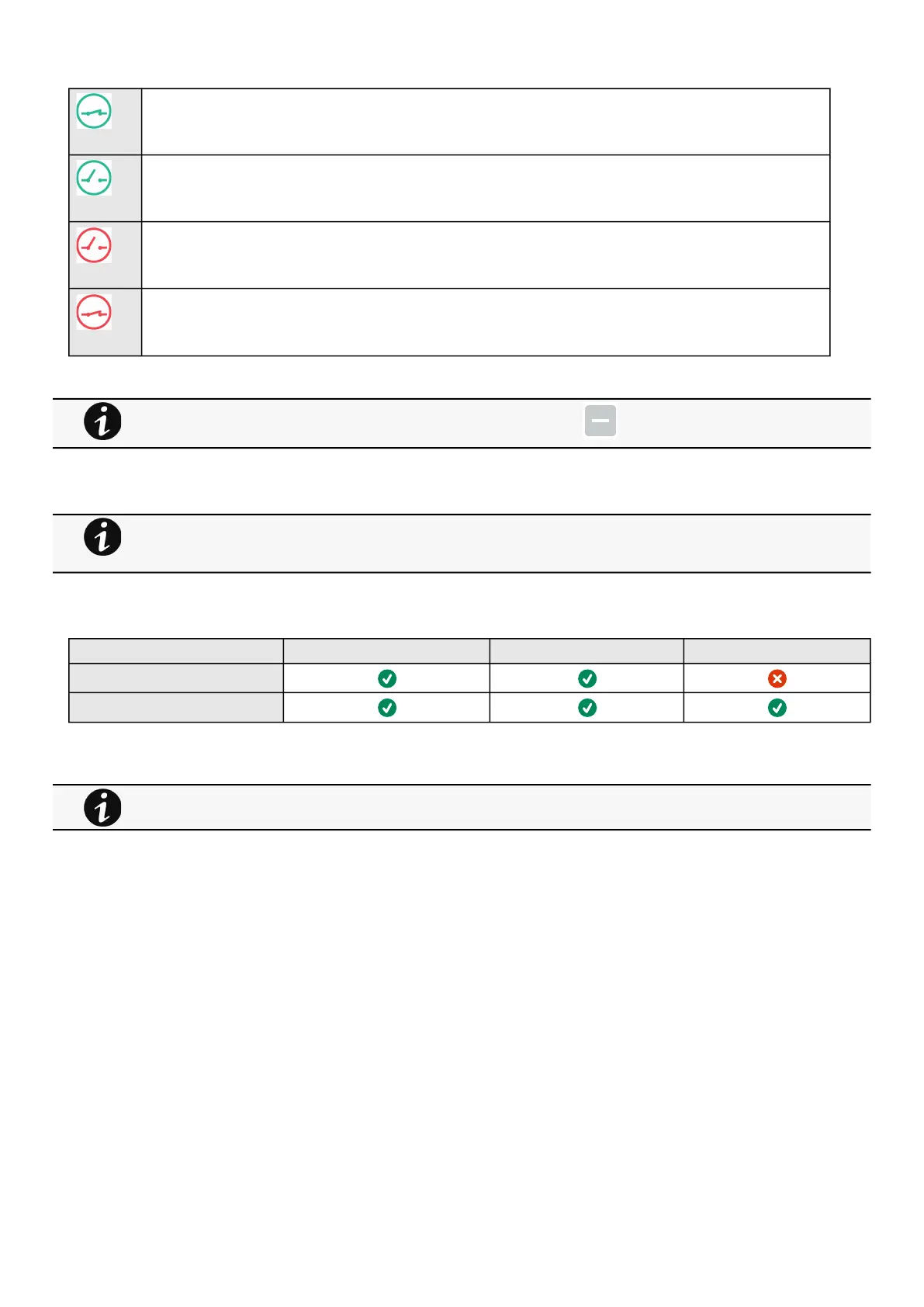
The dry contact is close and this is normal because it is configured as normally close.
The dry contact is open and this is normal because it is configured as normally open.
The dry contact is open and this is not normal because it is configured as normally close.
The dry contact is close and this is not normal because it is configured as normally open.
PressSaveafter modifications.
3.6.1.3 Note:
3.6.1.4 Access rights per profiles
Administrator Operator Viewer
Environment/Commissioning
Environment/Status
3.6.1.4.1 For other access rights
Deactivated dry contacts are not displayed and replaced by this icon:
If the UPS provides temperature compensated battery charging option, see the
Servicing the EMP>>>Using the EMP for temperature compensated battery charging
section.
For other access rights, see the Information>>>Access rights per profiles section.



 To Next Page