Contextual help of the web interface – 70
•
•
•
•
•
•
•
1.Select the sensors.
2. Press theDefine offsetbutton to adjust the temperature and humidity offsets of the selected sensors.
3. Extend the temperature or humidity section.
4. Set the offsets in the cell, temperatures and humidity will be updated accordingly.
5. Press theSavebutton when done.
3.6.1.2.5 Edit
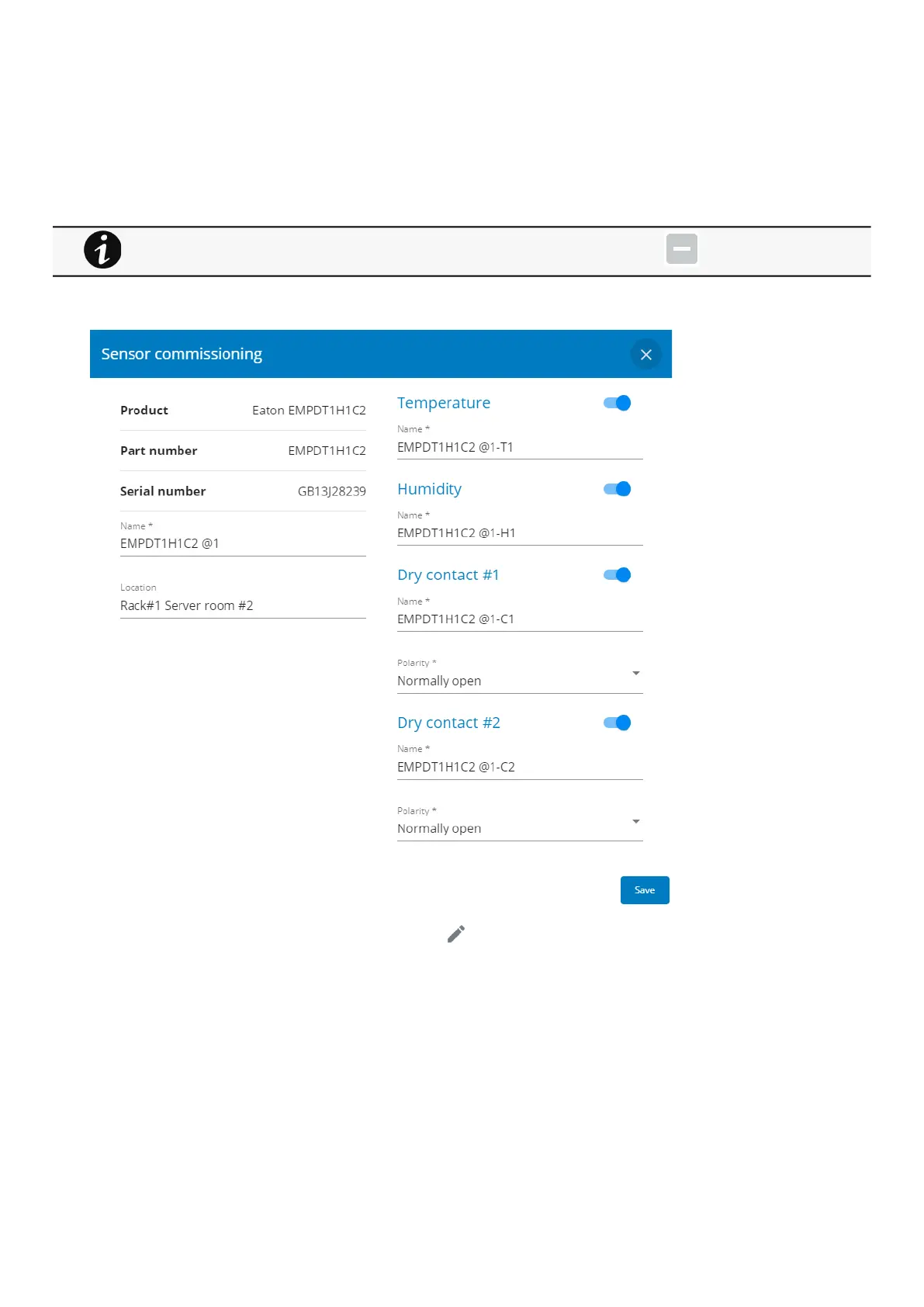
Press the pen logoto edit sensor communication information:
You will get access to the following information and settings:
Product reference
Part number
Serial number
Name
Location
Temperature and humidity – Active (Yes, No)
Dry contacts –Active (Yes, No)/Name/Polarity (Normally open, Normally closed)
Deactivated humidity or temperatures are not displayed and replaced by this icon:



 To Next Page