Contextual help of the web interface – 74
•
•
•
•
•
•
•
•
•
•
c Set Hysteresis
Enable the alarm first and change the setting in the tableand thenSave.
The hysteresis is the difference between the value where the alarm turns ON from turning OFF and the value where it turns OFF
from turning ON.
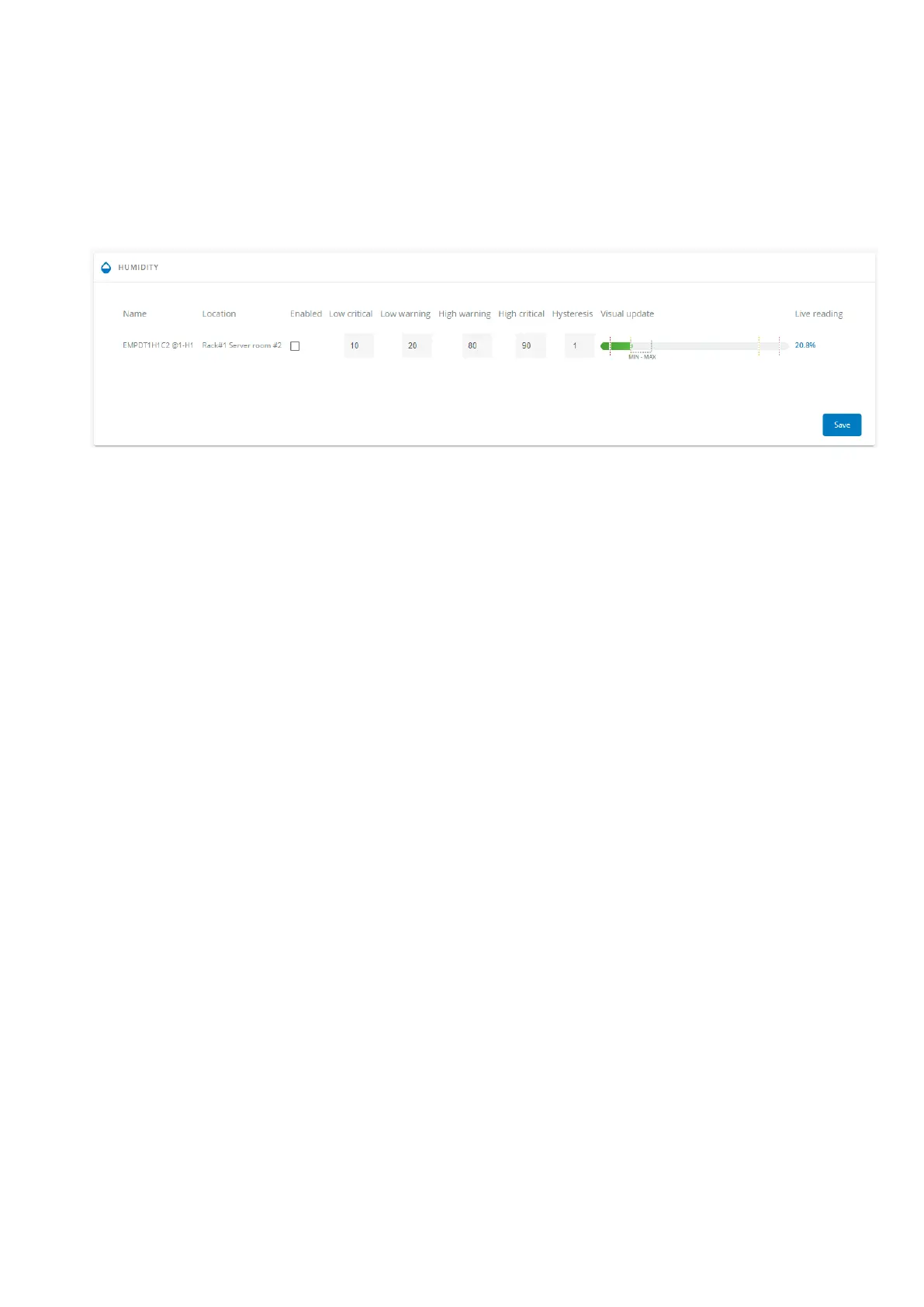
3.6.2.2 Humidity
The table shows the following information and settings for each sensor:
Name
Location
Enabled–yes/no
Low critical threshold– xx%
Low warning threshold– xx%
High warning threshold– xx%
High critical threshold– xx%
Hysteresis– x%
Visual update
Live reading (MIN-MAX shows the minimal and maximal humidity measured by the sensor)
3.6.2.2.1 Actions
a Set Enabled
Select and directly change the setting in the tableand thenSave.
When disabled, no alarm will be sent.
b Set alarm threshold
Enable the alarm first and then change the setting in the tableand thenSave.
When a warning threshold is reached, an alarm will be sent with a warning level.
When a critical threshold is reached, an alarm will be sent with a critical level.
c Set Hysteresis
Enable the alarm first and then change the setting in the tableand thenSave.
The hysteresis is the difference between the value where the alarm turns ON from turning OFF and the value where it turns OFF
from turning ON.



 To Next Page