Contextual help of the web interface – 79
•
•
•
•
2. Select the time zone for your geographic area from the time zone pull-down menu orwiththe map.
3. Save the changes.
3.7.1.2 Email notification settings
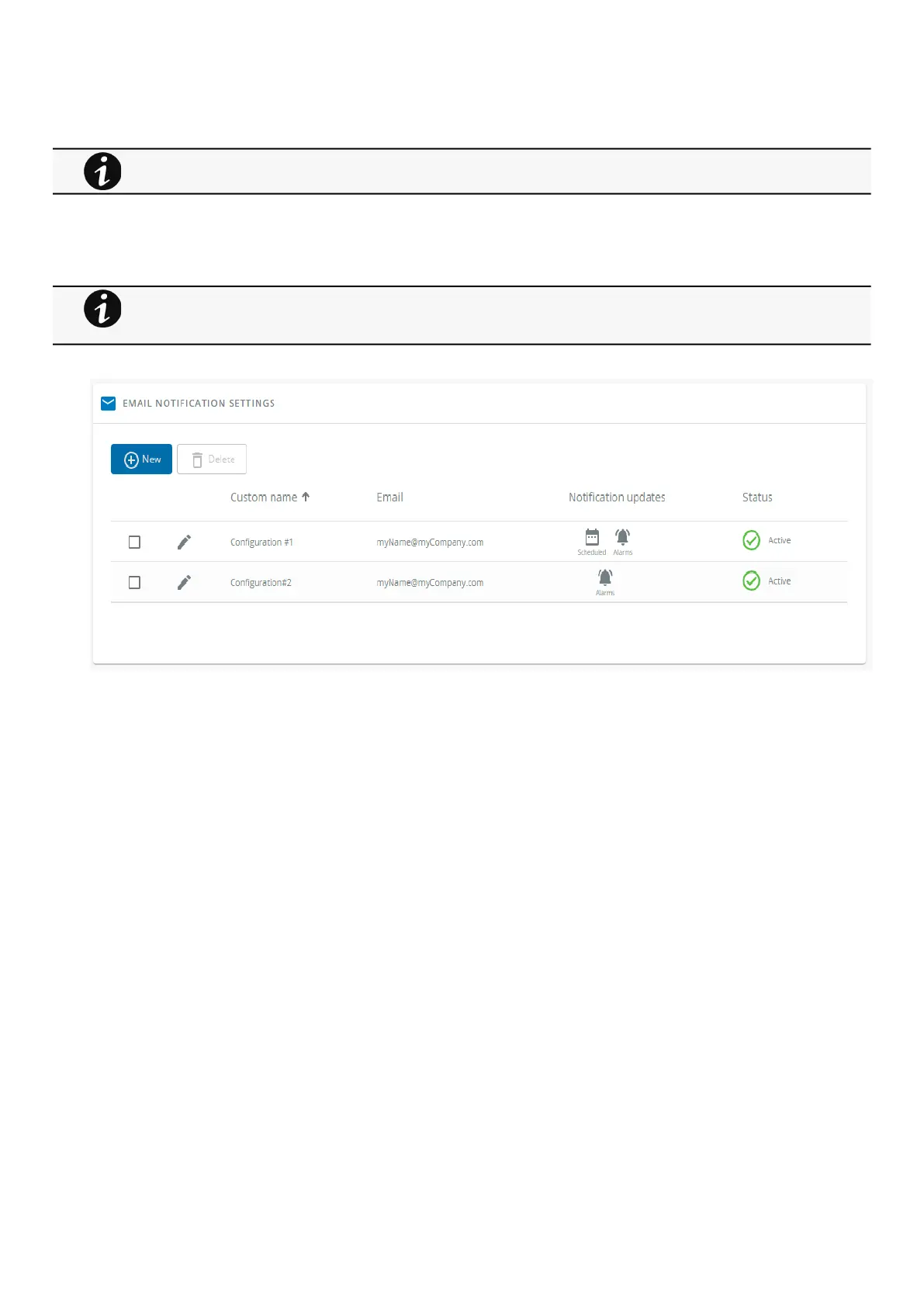
3.7.1.2.1 Email sending configuration table
The table shows all the email sending configuration and includes the following details:
Configuration name
Email address
Notification updates –Displays Events notification/Periodic report icons when active.
Status– Active/Inactive/In delegation
3.7.1.2.2 Actions
a Add
Press theNewbutton to create a new email sending configuration.
b Remove
Select an email sending configuration and press theDeletebutton to remove it.
DST is managed based on the time zone.
For examples on email sending configuration see the
Servicing the Network Management Module>>>Subscribing to a set of alarms for email notification
section.



 To Next Page