Contextual help of the web interface – 80
•
•
•
•
•
•
c Edit
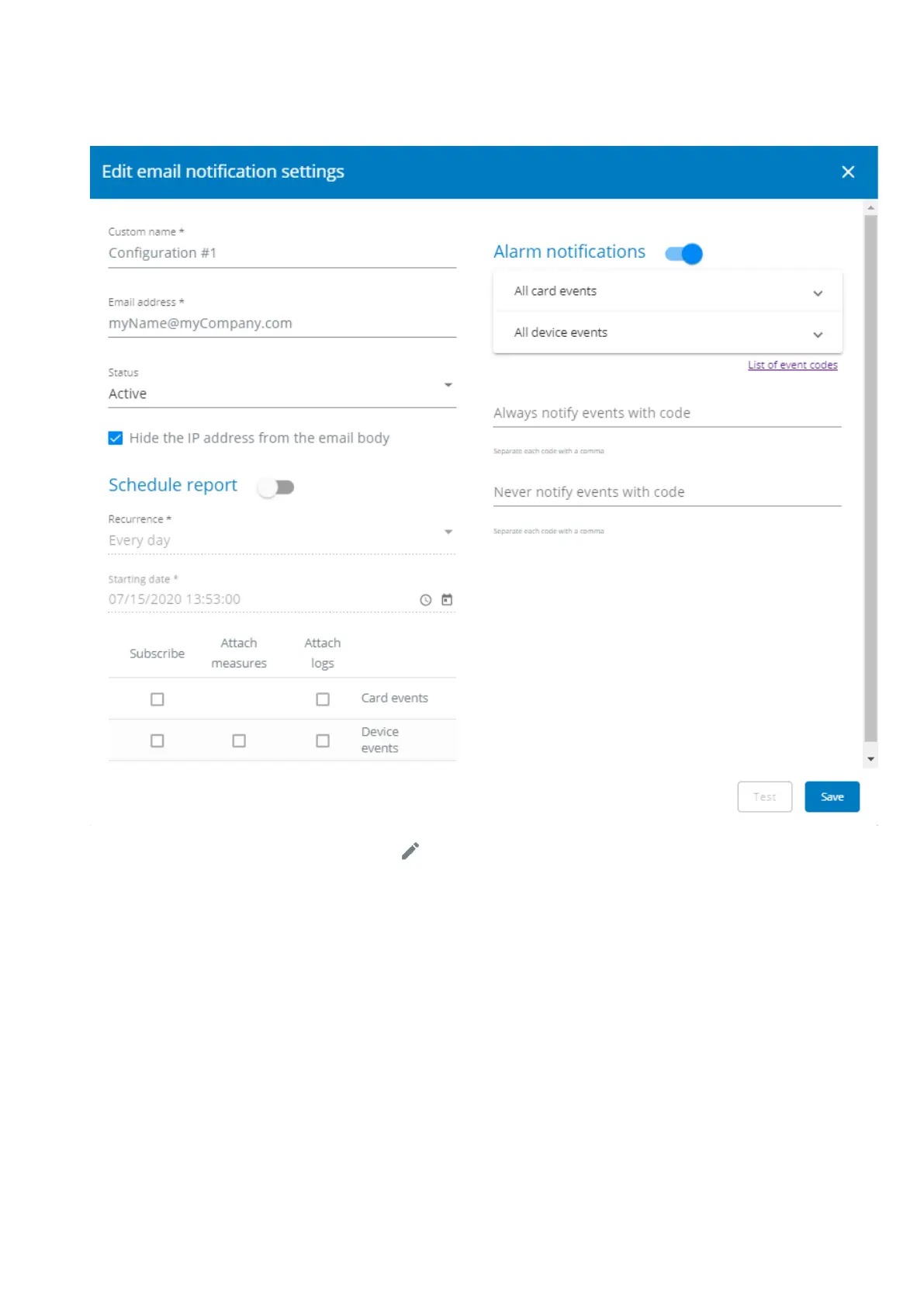
Press the pen iconto edit email sending configuration:
You will get access to the following settings:
Custom name
Email address
Status– Active/Inactive
Hide the IP address from the email body– Disabled/Enabled
This setting will be forced to Enabled if Enabled in the SMTP settings.
Schedule report–Active/Recurrence/Starting/Topic selection– Card/Devices
Alarm notifications– Severity level/Attach logs/Exceptions on events notification



 To Next Page