Edimax Pro NMS
171
Click “Save” to save the settings. Click “Cancel” to forfeit the changes. Click
“Save and Apply” to save and apply the settings.
X-5-1-1-1 Edit Basic Settings
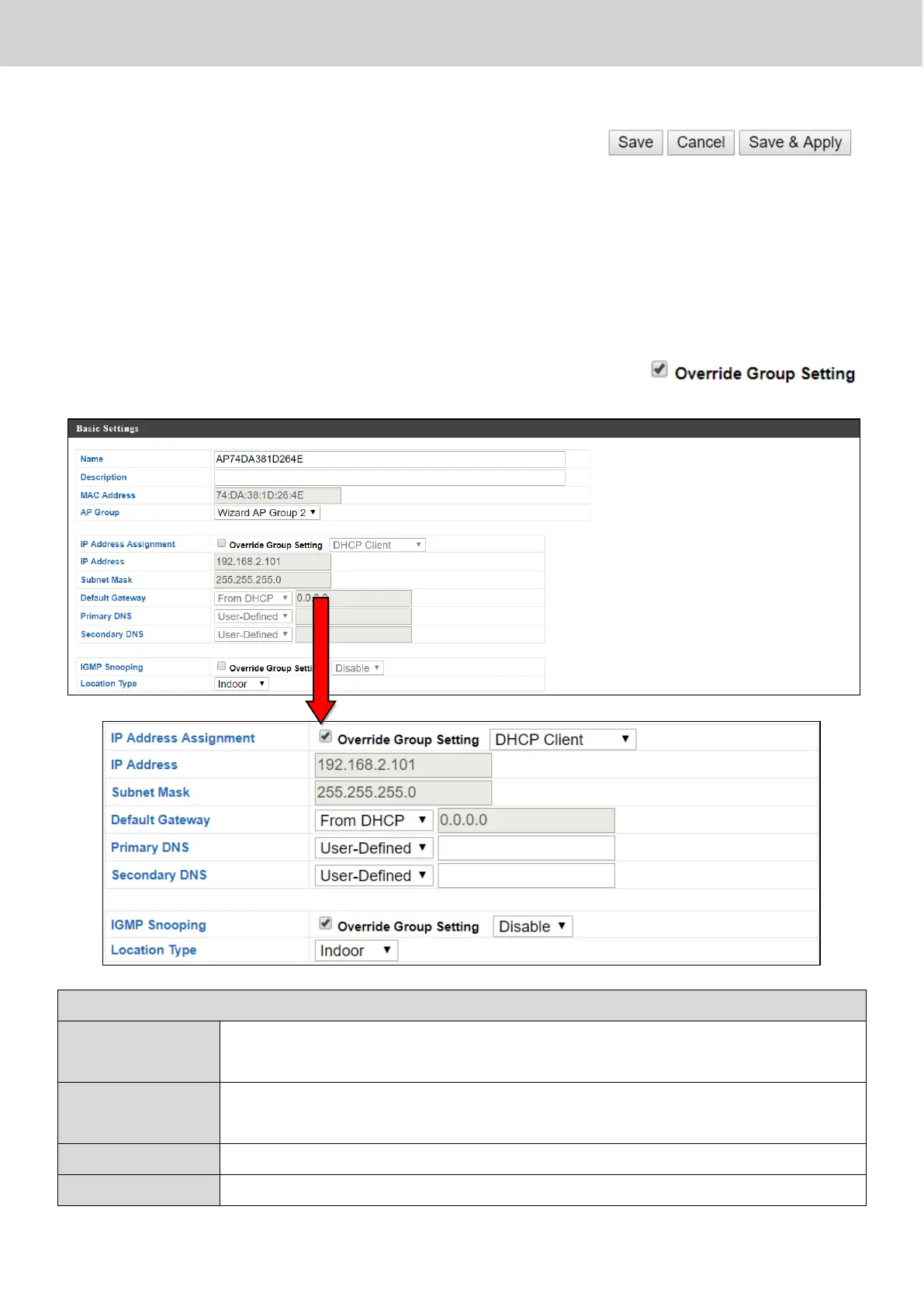
When “Override Group Setting” is checked, options/fields will turn white to
allow adjustments.
Edit the access point name. The default name is AP + MAC
address.
Enter a description of the access point for reference e.g. 2
nd
Floor Office.
Use the drop down menu to assign the AP to an AP Group.



 To Next Page