29
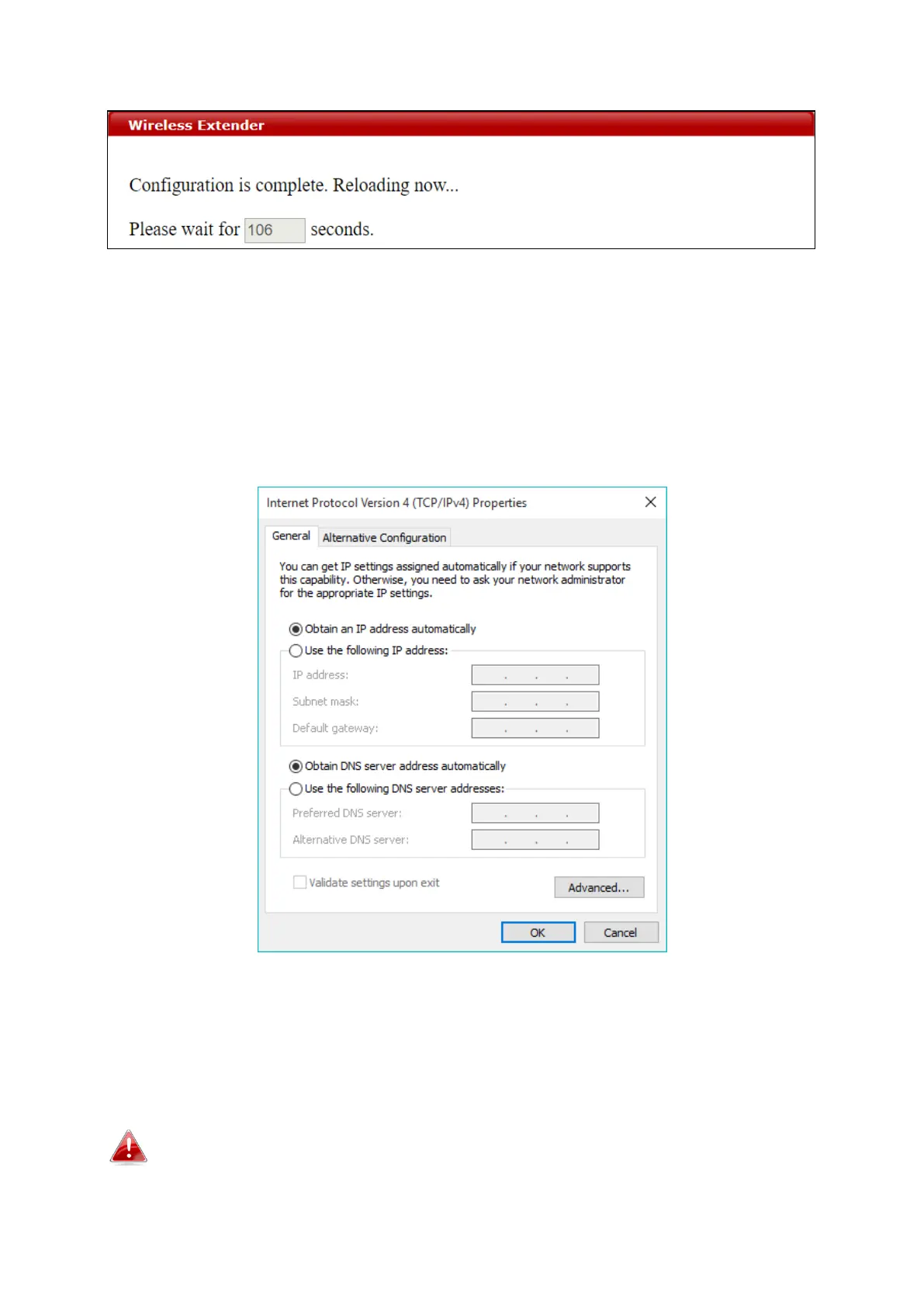
Wait for the configuration to take effect:
7. The device (now in Client Bridge Mode) will receive wireless signal and
provides it to devices connected to the bridge via Ethernet cable. The
device will become a DHCP client of the router/root AP. Switch your
computer back to dynamic IP address.
8. To access the web user interface, check your router/root AP’s settings
to determine the device’s new IP address. Enter the new IP address into
the browser for the web user interface.
If you wish to switch the operation mode, please reset the device to
factory default (via web user interface or hardware reset).



 To Next Page