Document ID: OMM-00148 Rev. B
15
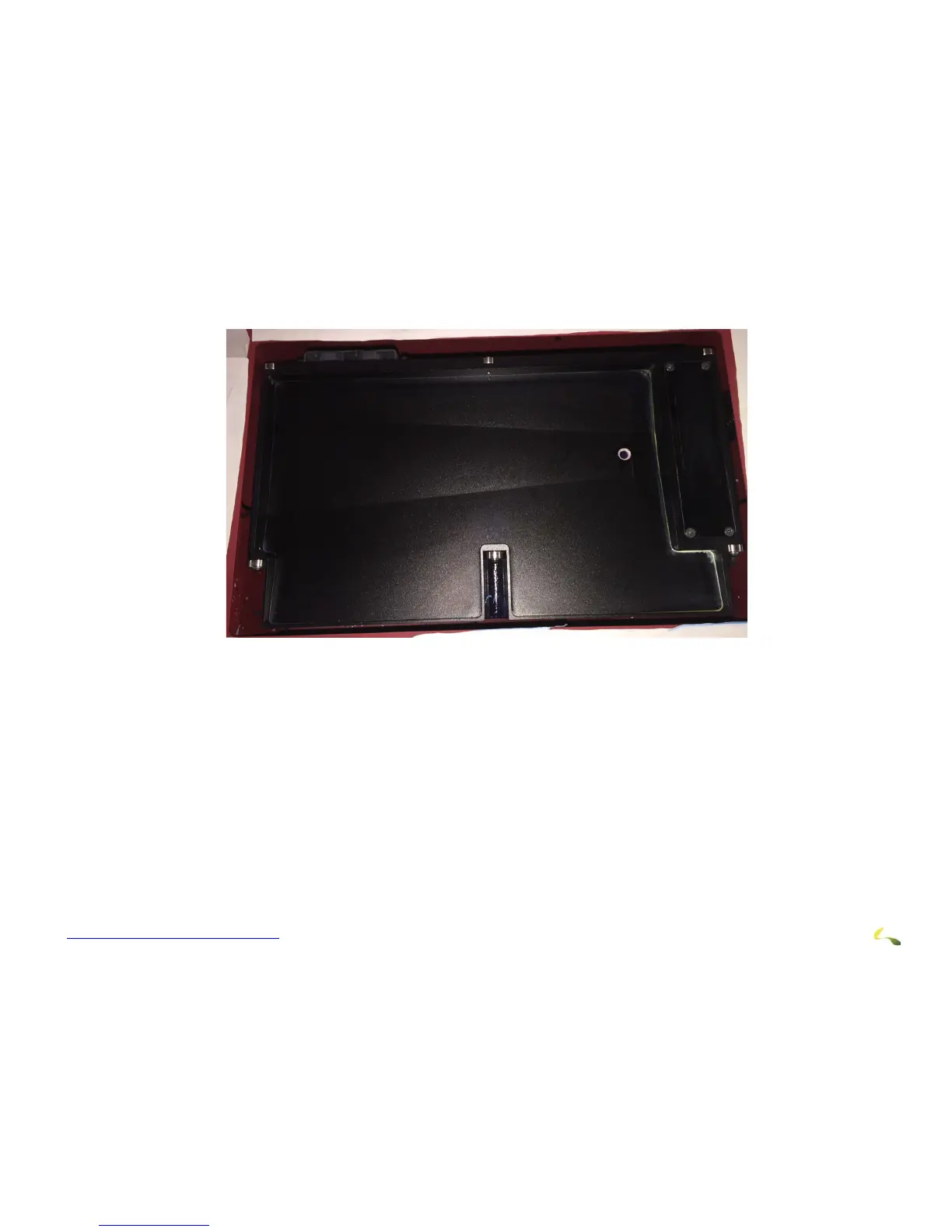
The Sweep Tray and Vacuum Knife system operate as follows:
Figure 3-2: Sweep Tray and Vacuum Knife Detail
1. The sweep tray collects all ink drops that accumulate during purging op
erations. The ink is drained into the ink waste container.
2. The sweep tray also contains a trough to collect ink released f
rom the bleed valves. This ink is also drained into the ink waste con-
tainer.
3. The vacuum knife uses suction to extract e
xcess ink from the bottom of the print heads during the sweep cycle either automatically
via the EFI Pro 24f Control window or manually via the sweep button on the purge button panel. The ink is drawn into the cyclonic
vacuum system.



 To Next Page