Document ID: OMM-00148 Rev. B
59
6.1.2 Verify Lamp Settings
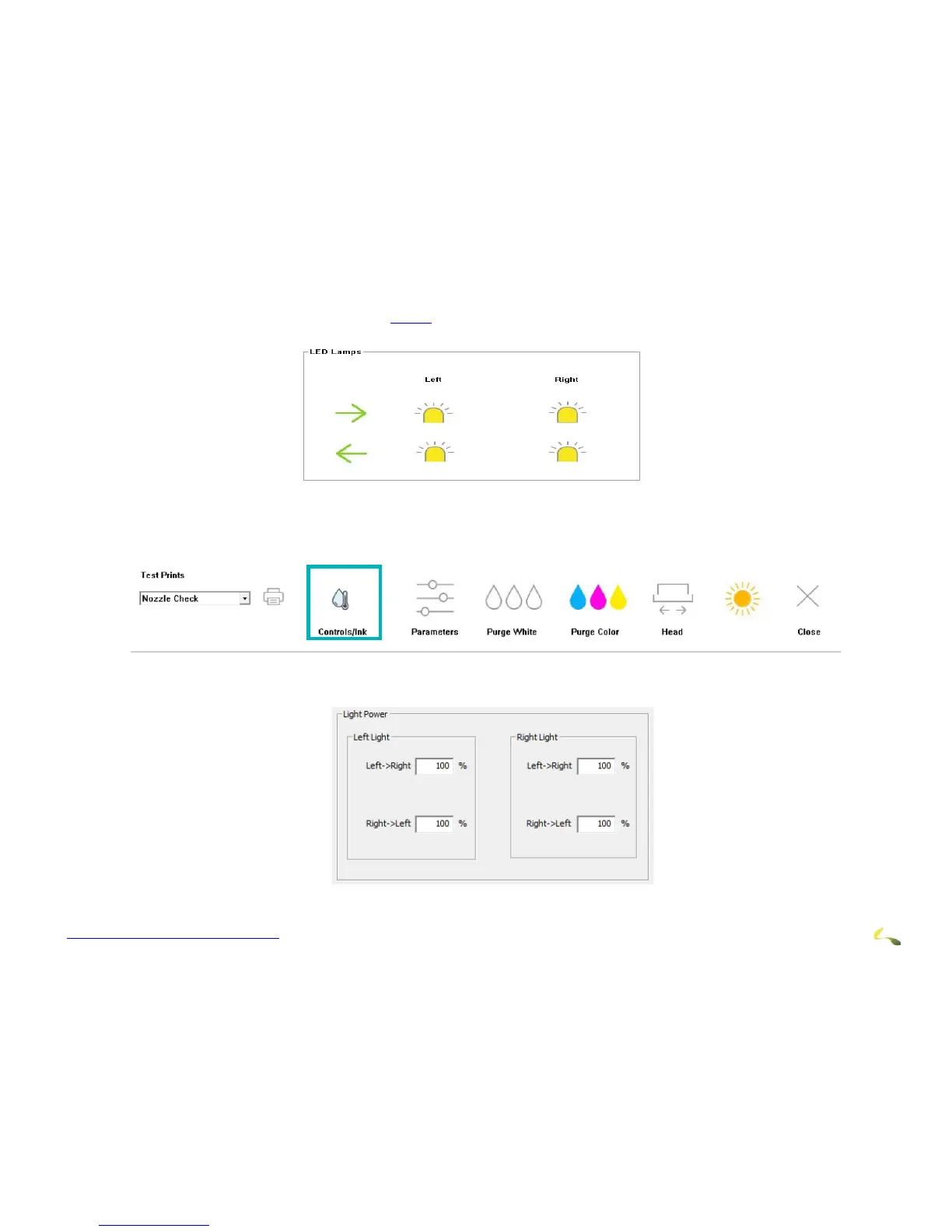
1. On the EFI PLC Control window (see Section 4.3.10), in the LED Lamps box, verify that the cure lamps are on by checking that
the light bulb icons are yellow.
Figure 6-2: EFI PLC Control Window - LED Lamps Box
2. Click any light bulb that isn’t yellow, to toggle it to yellow/on.
3. In the toolbar at the bottom of the EFI Pro 24f Control window, choose the Contro
ls/Ink button to open the EFI PLC Control win-
dow.
Figure 6-3: EFI Pro 24f Control Window - Controls/Ink Button
4. On the EFI PLC Control window, in the Light Power box,
verify or set the lamp intensity at 100%.
Figure 6-4: Light Power Settings



 To Next Page