Document ID: OMM-00148 Rev. B
46
4.3.7 Printer Tests
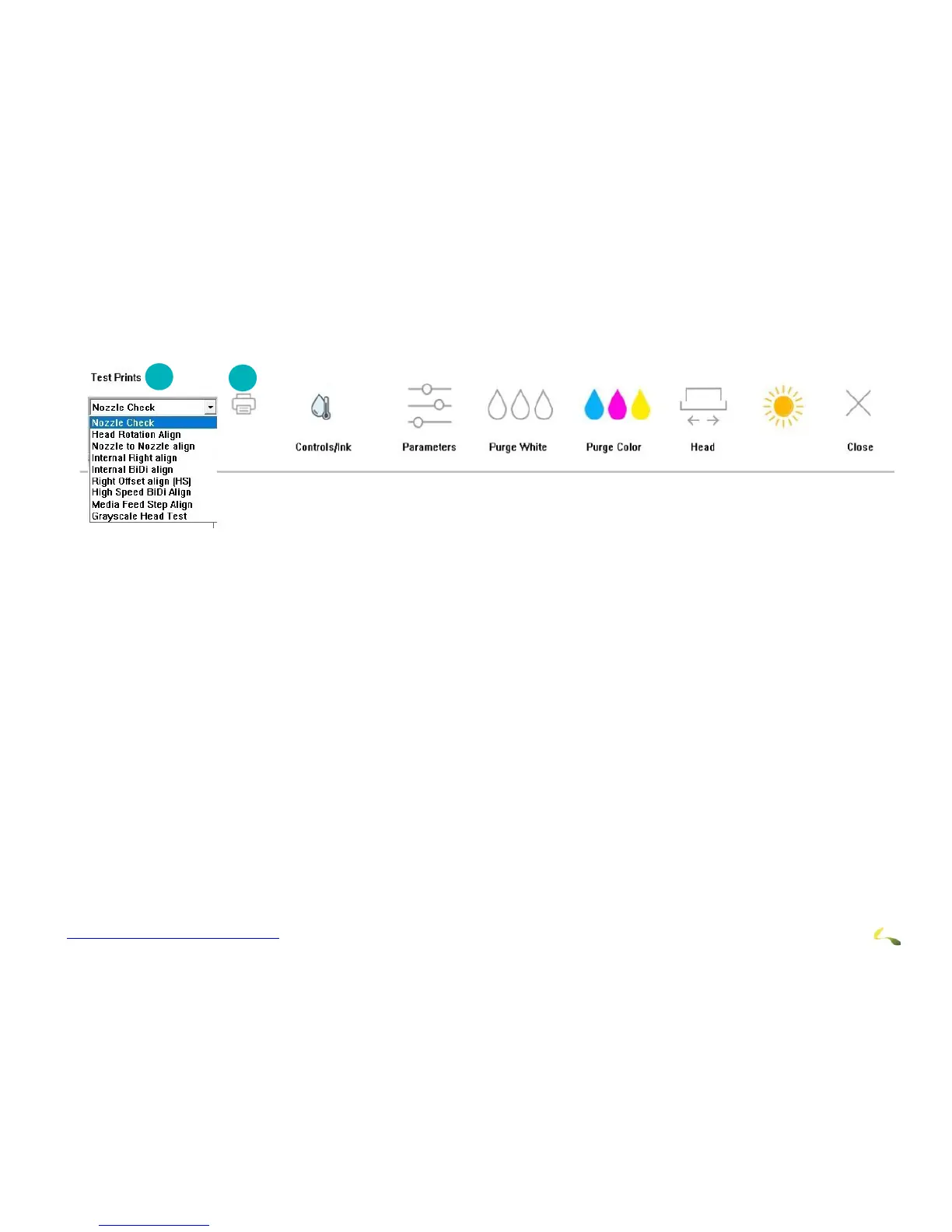
To run printer tests, open the EFI Pro 24fControl window and select a test print from the menu and choose the Print icon to
conduct that test print.
Figure 4-18: Print Icon
4.3.8 Printer Test List and Test Description
A list of tests and the related description of each test is provided below. Operators only use the Nozzle Check test. Other
Print Tests are used by Field Service Engineers.
1Select test in list 2Choose Print icon to print selected test
TEST NAME TEST DESCRIPTION
Nozzle Check The Nozzle Check test provides a test print that shows whether all print heads are working
properly
Head Rotation Align Head Rotation Alignment checks if print heads are perpendicular with the X–Axis
Nozzle to Nozzle Align Nozzle to Nozzle Alignment checks if print heads are aligned with each other
Internal Right Align Internal Right Align checks whether printed lines intersect at the zero position
Internal BiDi align Internal BIDI Alignment (BIDI = Bi-Directional) checks whether printed lines intersect at
the zero position
Right Offset Alignment (HS) Right Offset Alignment HS (High Speed) checks if print heads are aligned with each other.
This check also determines whether color and white print heads are aligning with black print
head in a high speed mode.
High Speed Bi-Directional Alignment High Speed BIDI Alignment (BIDI = Bi-Directional) checks if print heads are aligned with
each other
Media Feed Step Alignment Allows the operator to check Step Alignment checks whether the media feed is constant for
lines printed at Y



 To Next Page