Document ID: OMM-00148 Rev. B
56
5.2 Printer Startup from Sleep Mode
When the printer is in daily use, it is not shut down, but instead is left in sleep mode between shifts. To bring the printer out
of sleep mode and back to a normal operational state, follow the procedure below.
1. Open the EFI Print Control Utility (PCU) on the printer’s computer.
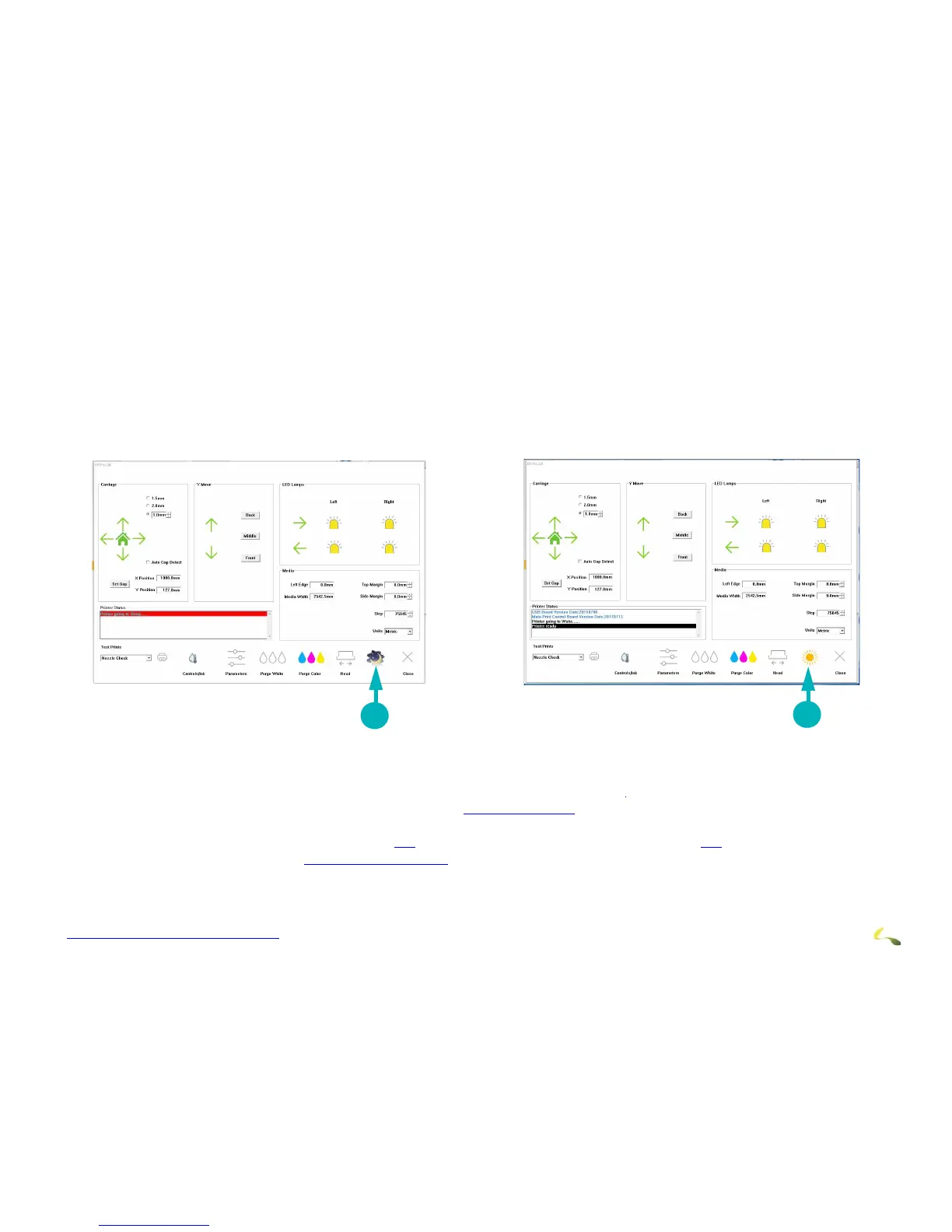
2. On the PCU window, launch the EFI Pro 24f Control window and click the “Moon” icon.
The EFI Pro 24f Control window lights up and the “Sun” replaces the moon icon. The printer is now in “Awake” mode. Allow 2-3
minutes for print heads to come to the required temperature and the ink pumps to fill the secondary tanks before printing.
Figure 5-1: EFI Pro 24f Control Window Printer Mode (Asleep/Awake) Icon
3. Perform daily maintenance tasks as outlined in the EFI Pro 24f Maintenance Guide.
4. Clean print head plate and the print heads. (See section Clean Print Heads.)
5. Sweep print heads.
6. Load rolled media in accordance with section 5.3 or load rigid media in accordance with section 5.3.
7. Run a nozzle test (see section Perform Nozzle Checks).
Printer is ready for setup and operation.
1“Moon” icon = Printer is Asleep 2 “Sun” icon = Printer is Awake



 To Next Page