Document ID: OMM-00148 Rev. B
50
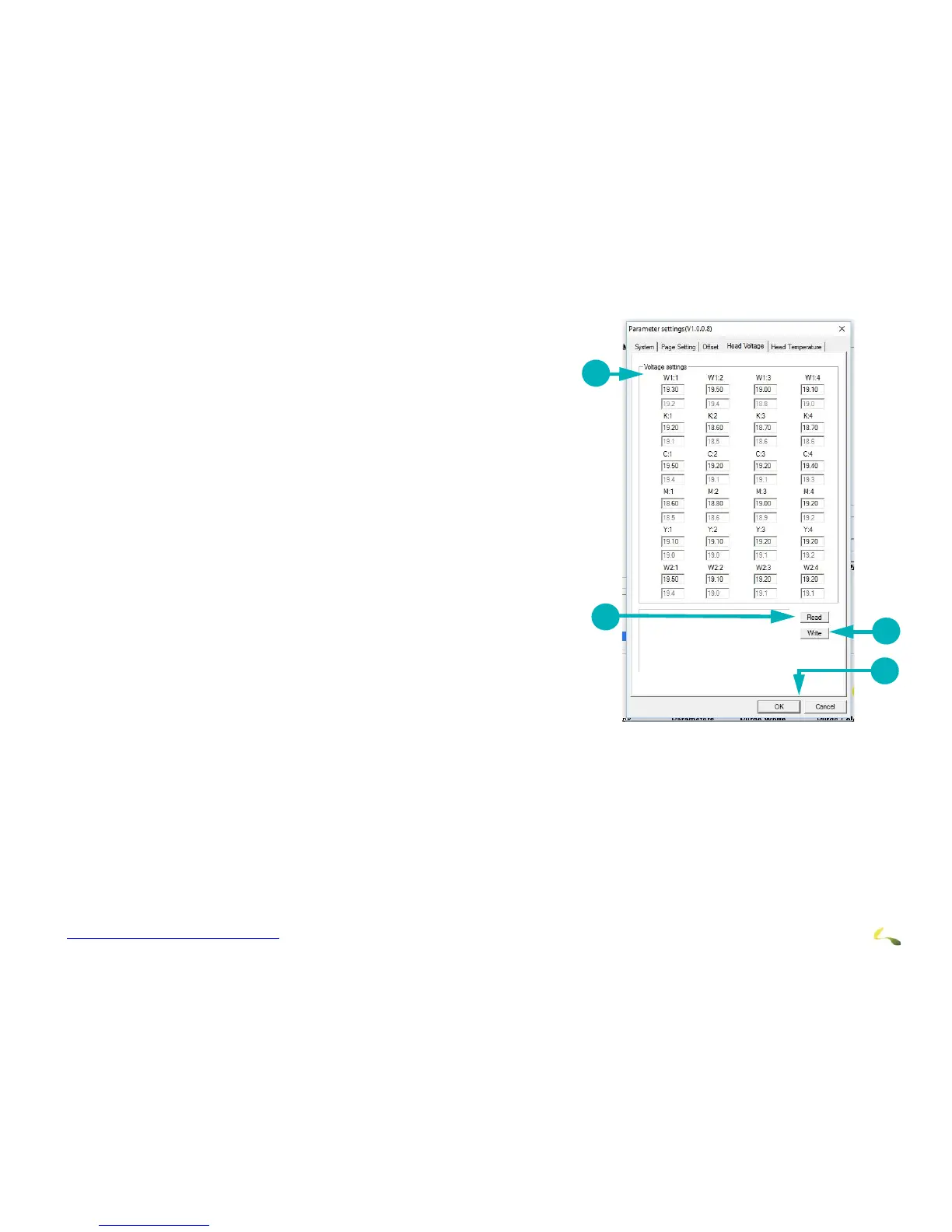
Head Voltage Tab
The Head Voltages tab is used only by Field Service Engineers
and displays the following:.
1. Displays and sets print head voltage for each white and CYMK print head.
2. Read button - Checks the actual voltage of the print heads and displays
in the Voltage Settings fields.
3. Write button - Saves the values that were input in the Voltage Settings
fields.
4. OK to save or Cancel to exit.
Note: This tab is used only by Field Service Engineers.



 To Next Page