Document ID: OMM-00148 Rev. B
44
4.3.4 Media Controls
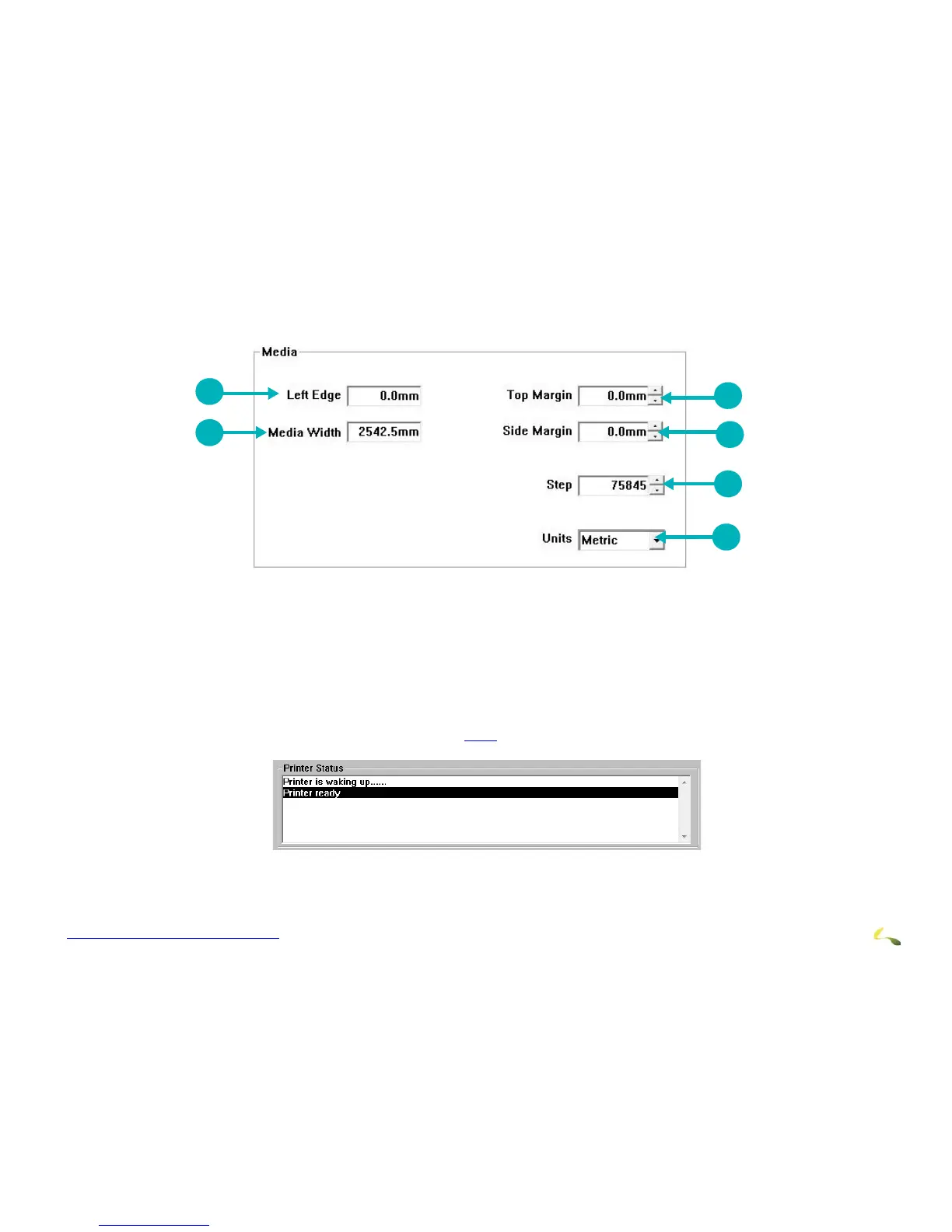
Media Controls provide the following functions:
Figure 4-15: X-Y Media Controls
4.3.5 Printer Status Bar
The printer status bar displays one-line messages that detail printer status. The messages indicate what the printer is doing
at any given point in time. Some examples are provided in 4.3.6.
.
1Sets Media Left Edge 2 Sets Media Width 3 Sets Top Margin
4Sets Side Margin 5 Sets Step Distance 6Define unit for margin measurements



 To Next Page