Document ID: OMM-00148 Rev. B
80
9.2 Short-Term Printer Shutdown
It may be necessary to power off the printer for short periods of time (1-3 days) to perform maintenance.
Caution! Power off the printer only when necessary.
1. Power off the media vacuum blower using the switch located in the computer compartment of the printer.
2. Ensure that the EFI Pro 24f Control screen has been closed.
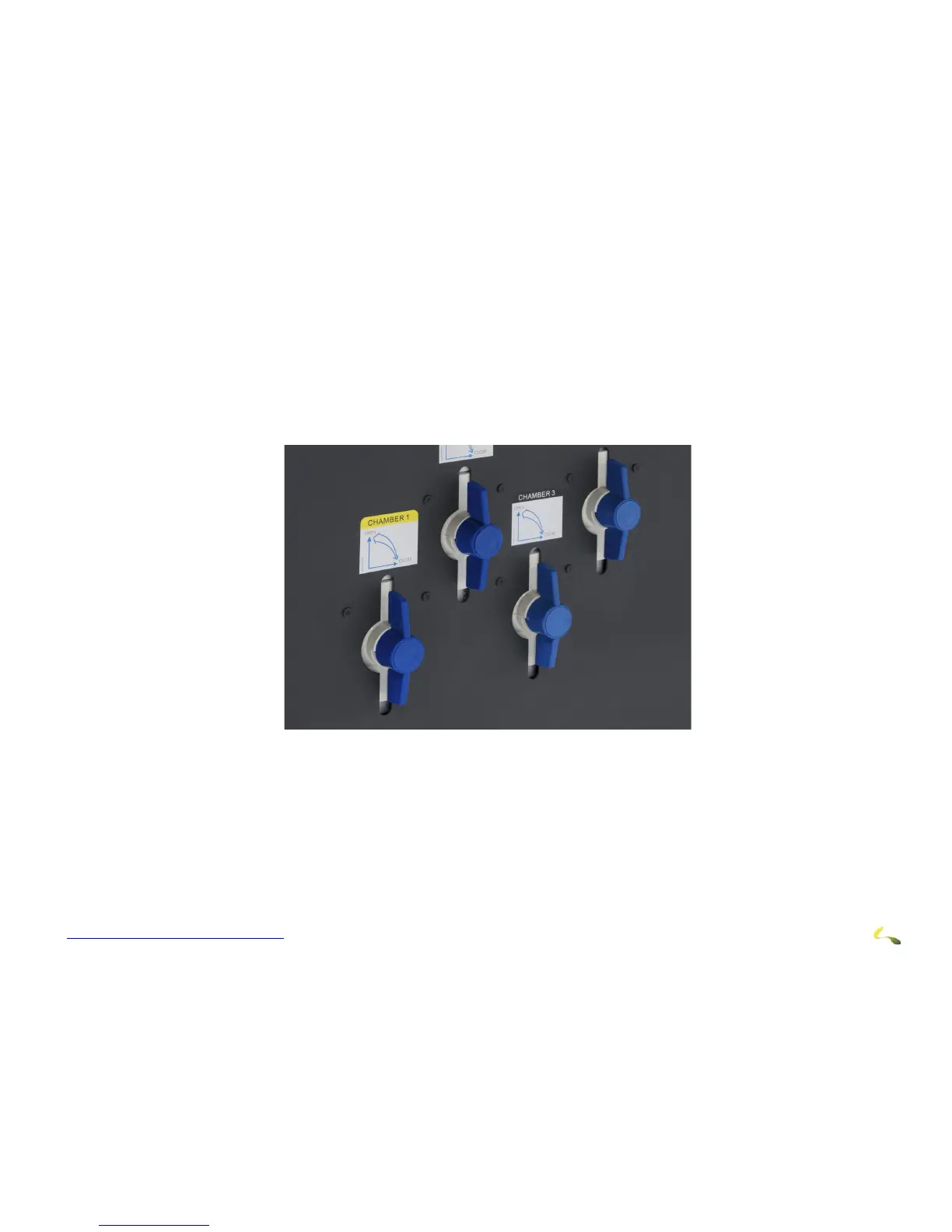
3. Turn off both the CMYK and white negative pressure valves located on the top left side of the carriage. This prevents the ink from
dripping from the heads while the power is off.
Figure 9-2: Negative Pressure Valves
Note: If power will be left off for longer time periods, additional startup steps will be required.
4. Power off the printer using the main breaker switch in the computer compartment of the printer.
5. Turn off the other breakers in the computer compartment of the printer.
6. The printer is now powered off.
Note: Optional- Turn off the computer and monitor or restart the computer as needed.



 To Next Page