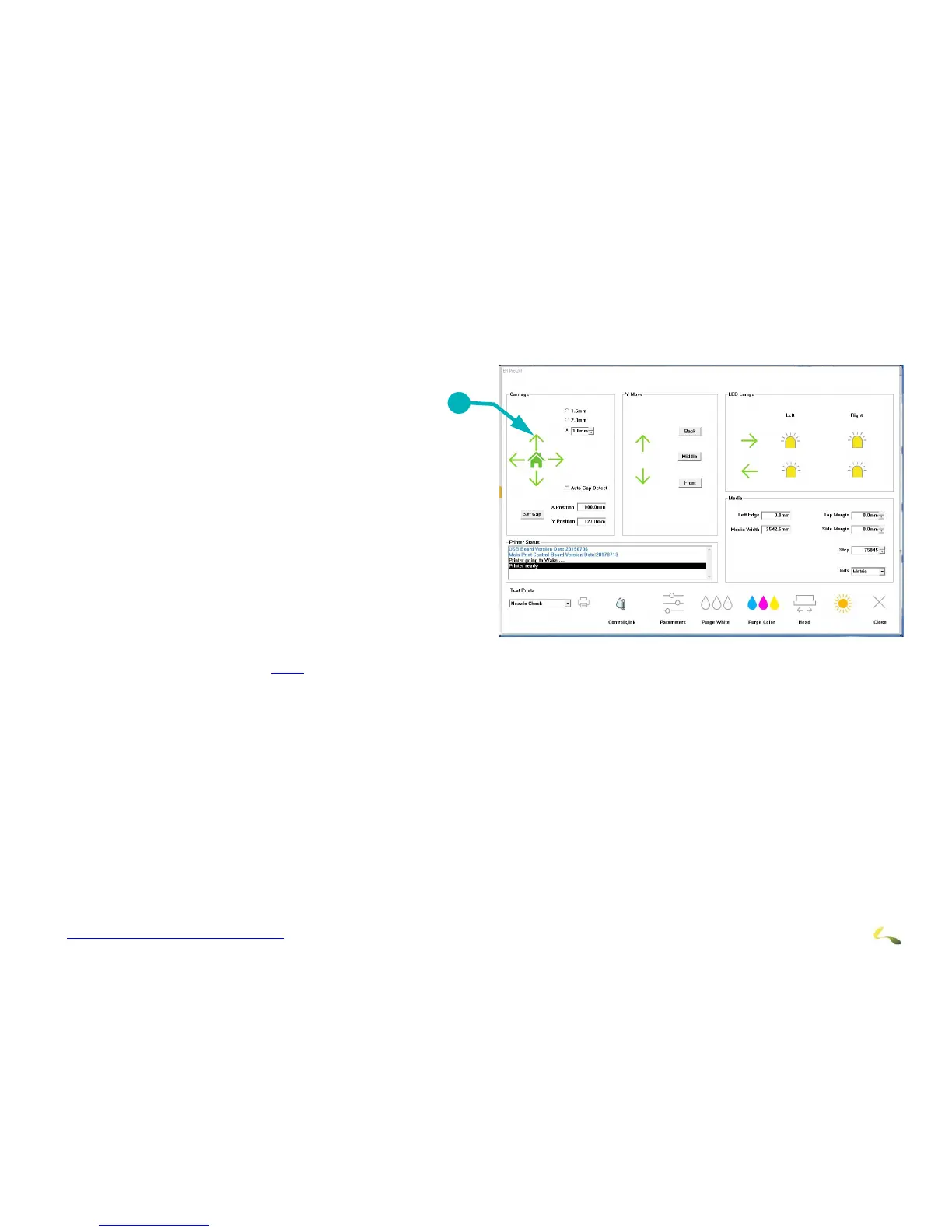
It may be necessary to power off the printer for longer periods of time when it won’t be in use. Use the long-term shutdown
procedure when shutting the printer down for 4 or more days.Power off the printer only when necessary.
1. Use the EFI Pro 24f Control screen to raise the
carriage.
Negative Pressure
2. Shut down the printer leaving the negative pres-
sure valves open.
3. Open the ink protect tank LUER fitting covers to
release the ne
gative pressure.
4. Allow the ink to drain completely from the second-
ary ink tanks.
Print Heads
5. Flush the print heads.
6. Clean the carriage plate and print heads with flush
and lint fr
ee wipes. (See
8.2.3 for the procedure.)
Coroplast
7. Cut a piece of coroplast to the size of the carriage plate.
8. Cover the piece of coroplast with lint free wi
pes at least 4 deep and soak with flush.
9. Place this piece under the carriage and use t
he manual knob to lower the carriage so the carriage contacts the wipes at all points.
Waste Container
10. Ensure that the waste bottle is empty.



 To Next Page