Document ID: OMM-00148 Rev. B
51
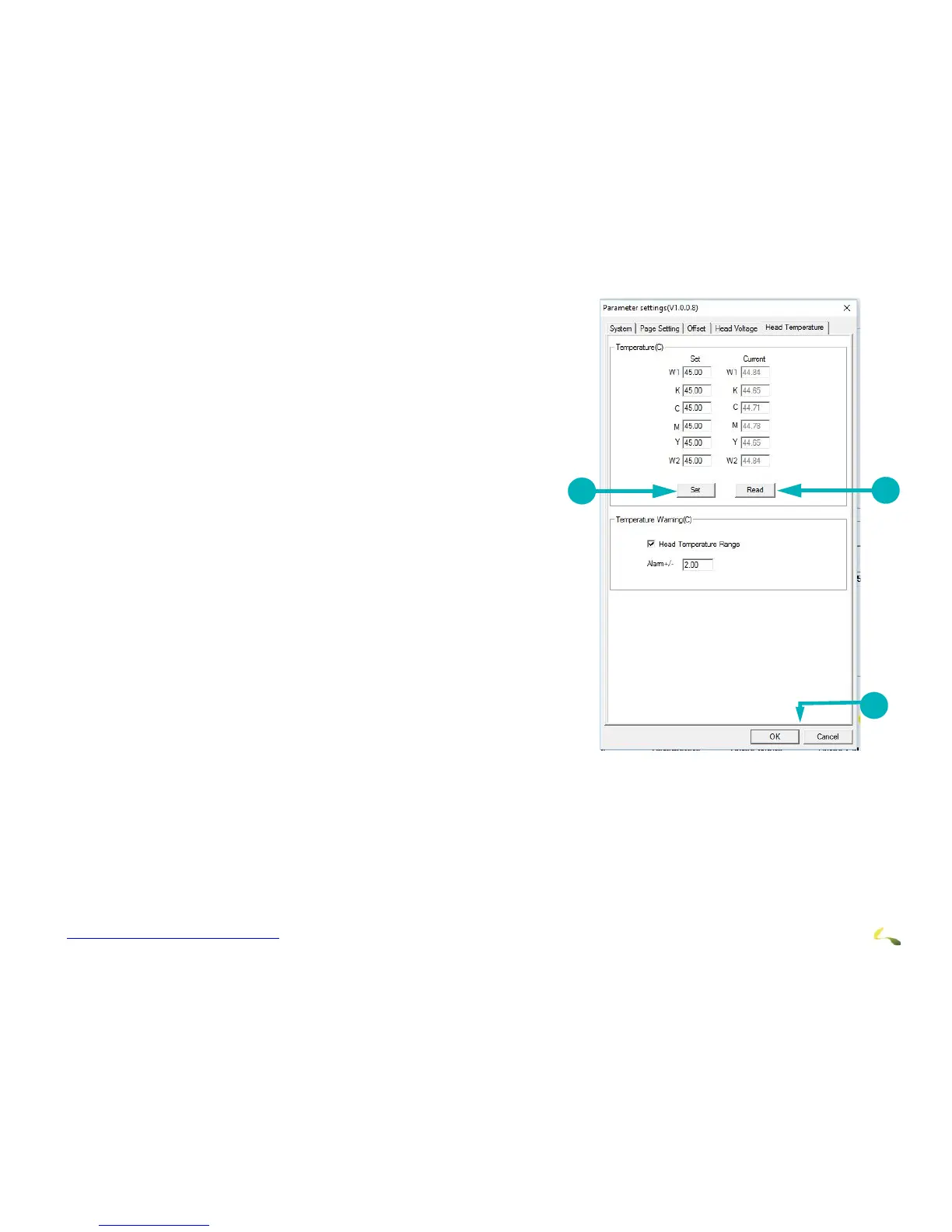
Head Temperatures Tab
The Head Temperatures tab is generally used only by Field
Service Engineers and contains the following items:
1. Sets head temperatures. Set the values and choose the Set
button at the bottom of the column to save the values.
2. Displays current temperatures. Choose the Read button at the
bottom of the column to update the temperature readings.
3. OK to save or Cancel to exit.
Note: This tab is used only by Field Service Engineers.



 To Next Page