Document ID: OMM-00148 Rev. B
76
8.2.3 Clean Print Heads
Print Heads should be cared for and cleaned at the end of each shift or after each 8 hours of printer operation, to remove any
ink that is curing on the heads.
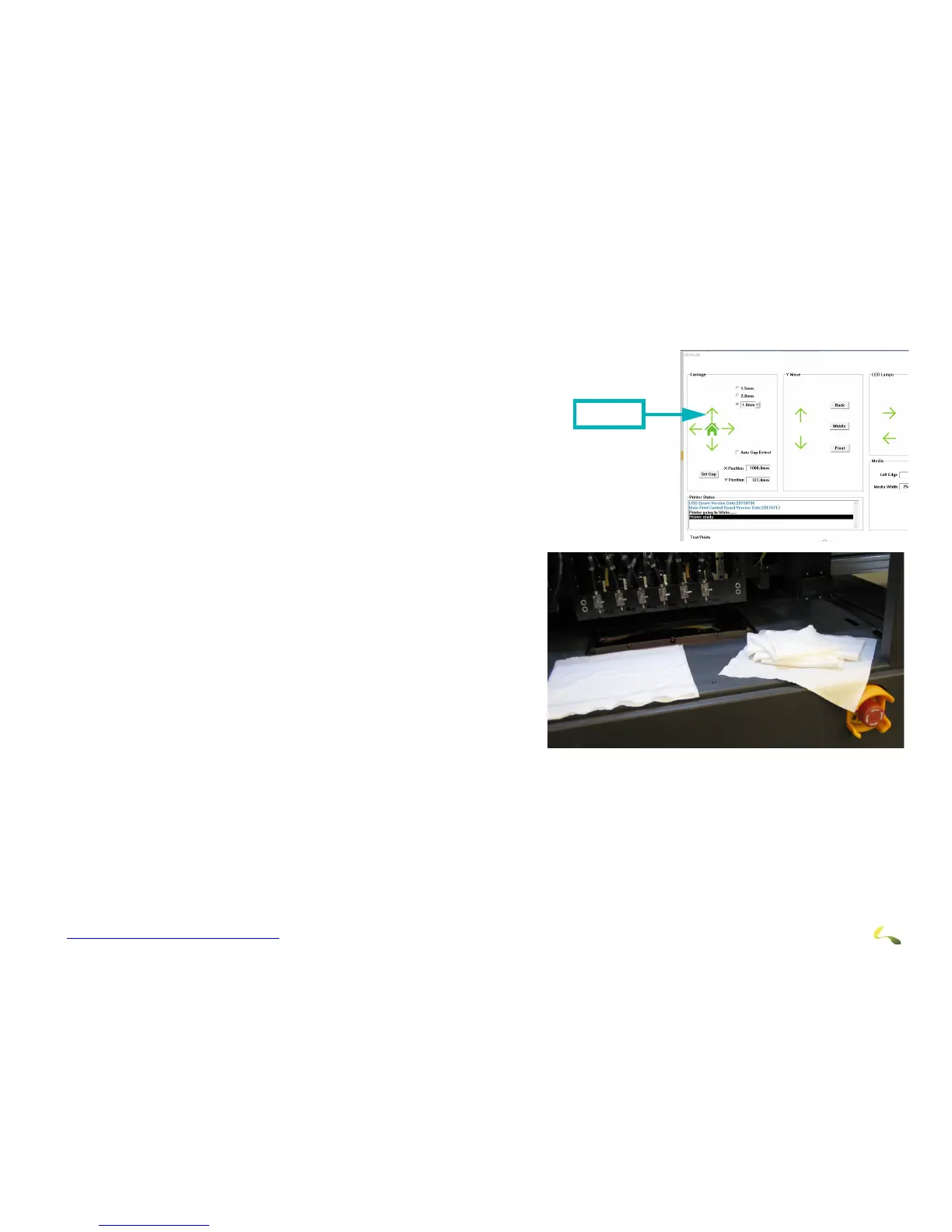
1. Use the Up arrow on the EFI Pro 24f Control screen to raise the carriage.
2. Put on nitrile protective gloves.
Note: Cl
ean the print head plate prior to cleaning the print heads
themselves, in order to avoid pulling ink from the plate onto the
heads. Alcohol should not be applied anywhere in the vicinity of
the print heads or plate as it immediately destroys heads.
3. Prepare a set of 6 clean wipes (for 6 print heads) and uncontami-
nated flush to use for print head cleaning..
Caution! Any contamination of wipes or flush can damage your print
heads. When cleaning print heads, be sure to:
• Use only wipes that have been double-bagged or sealed for cleanli-
ness.
• Only use flush that is completely free of contaminants.
• Use a new wipe for each print head.



 To Next Page