Document ID: OMM-00148 Rev. B
77
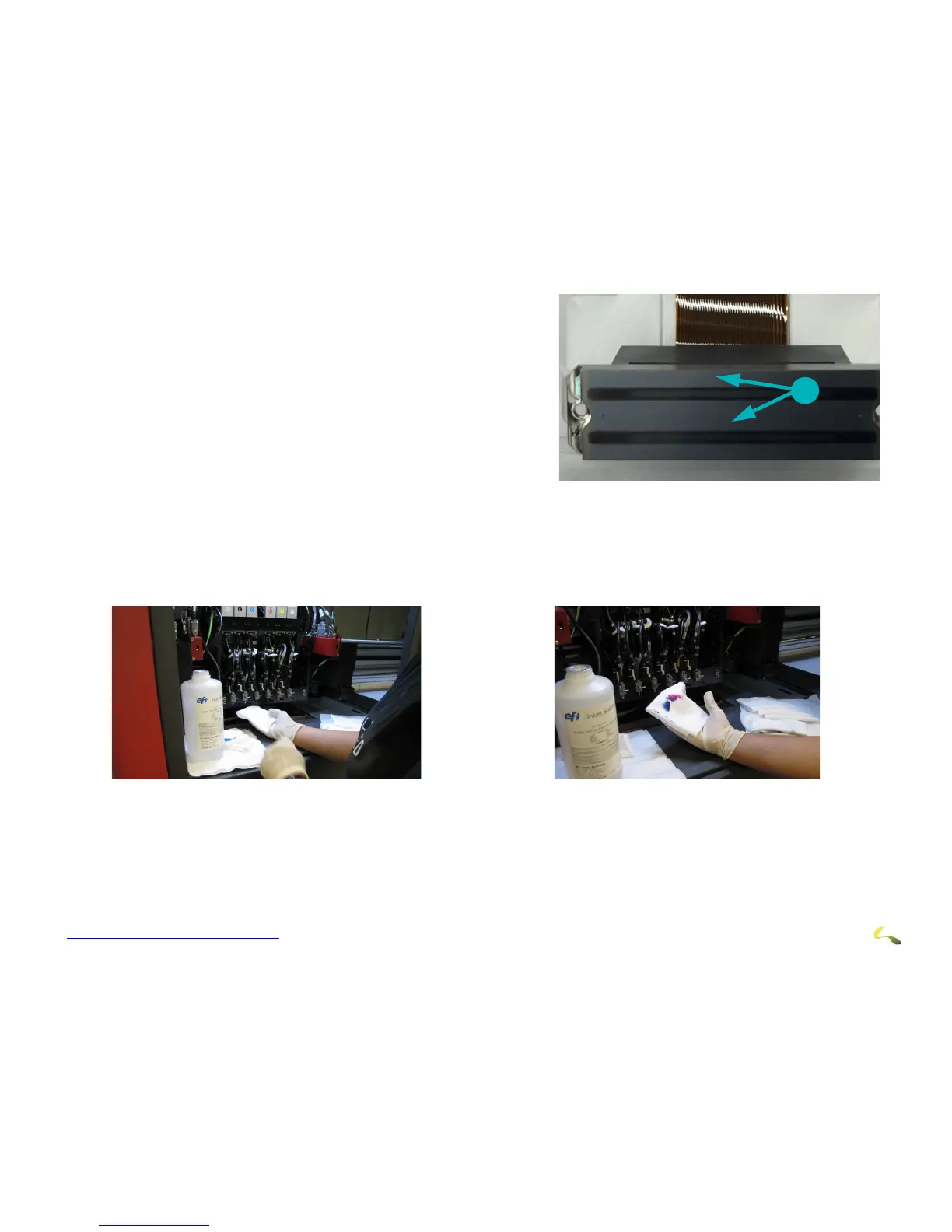
4. Fold a lint-free wipe in quarters and saturate with clean flush. Then
reach under the carriage print head plate to locate the back of the
print head to be cleaned.
5. Align two fingers with the bottom of the print head and press gently
agai
nst the head.
6. Pull the wipe forward across the bottom of the print heads in ONE
motion
, cleaning the heads’ surface.
Caution! Do NOT RUB the print heads. One smooth wipe forward should be all that is required. If a print head requires
additional cleaning, use a new clean wipe, saturate it with flush, and repeat the single-wipe process. Rubbing
damages print heads.
7. Discard each used wipe and pick up a new one before continui
ng to the next Print Head.
8. Repeat process for each print head.
Note: Clean the print head
plate again after all print heads have been wiped, to remove any ink that may have transferred
to the plate during head cleaning.



 To Next Page