Document ID: OMM-00148 Rev. B
36
4.2.4 Select Files to Print Button
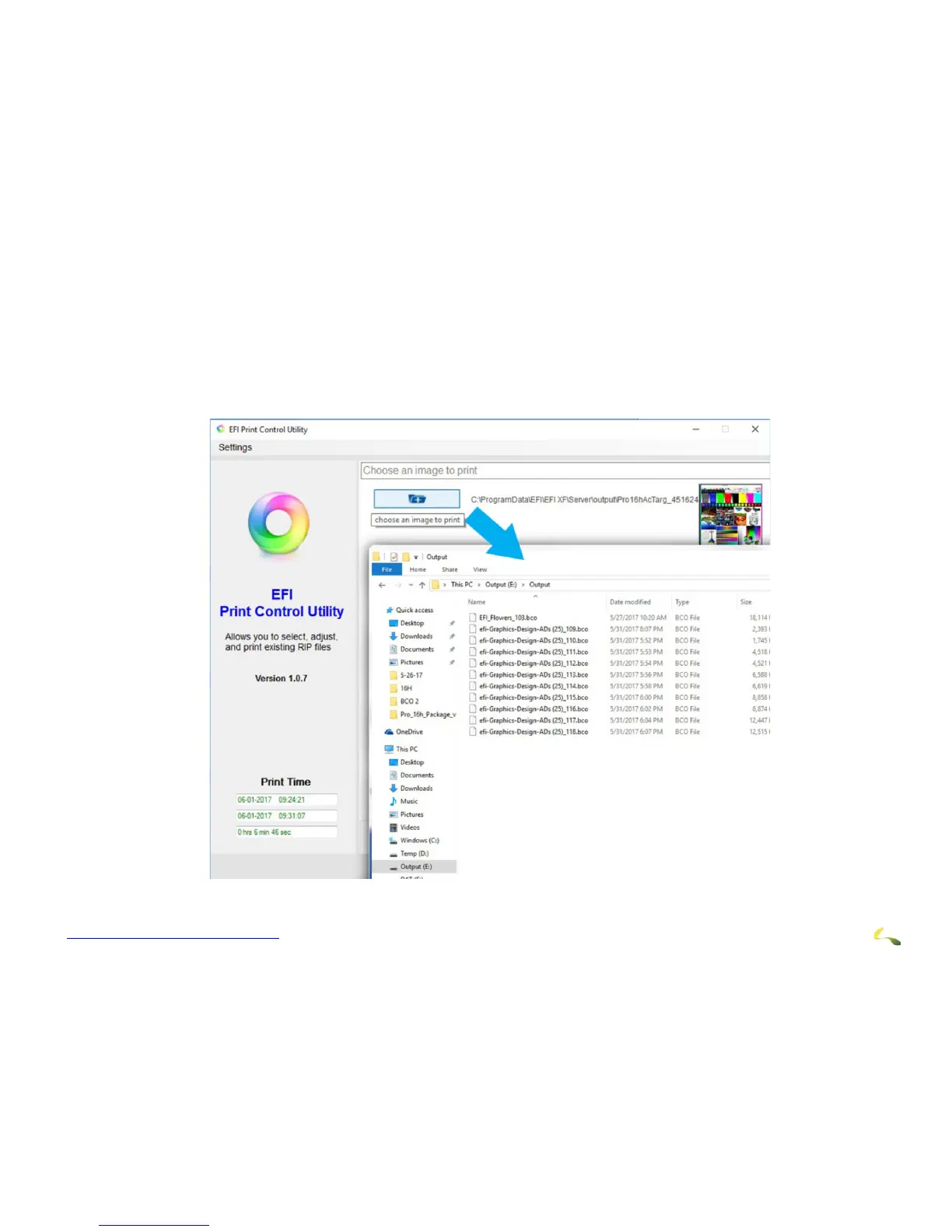
The Print Control Utility Select File to Print menu operates as follows:
1. Click on the button to open the file folders.
2. Navigate to the desired file.
3. Select the file to print.
Figure 4-7: Print Control Utility Select File to Print Button



 To Next Page