Document ID: OMM-00148 Rev. B
64
6.1.6 Set Margins
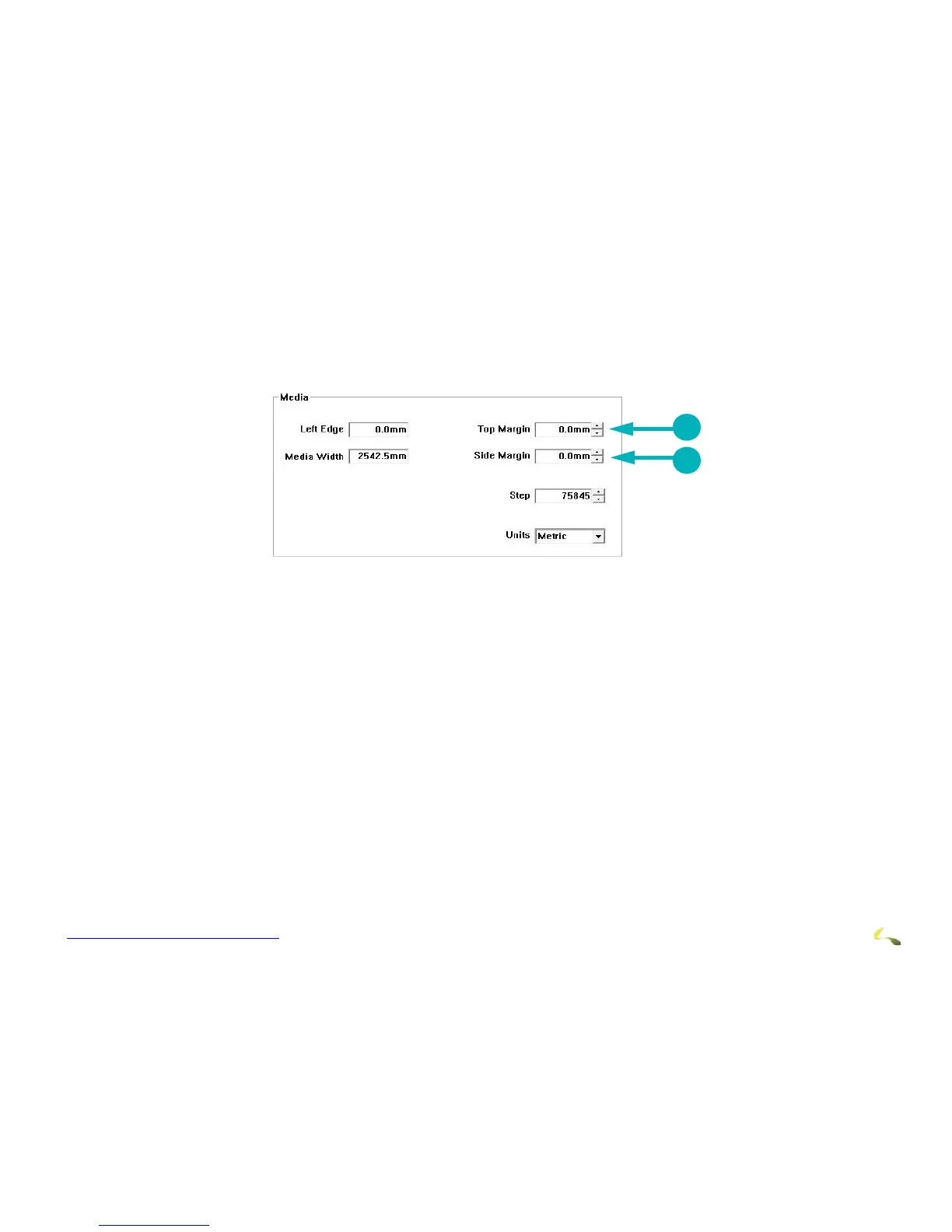
1. In the Media box (middle right), set the Top Margin and the Side Margin.
Note: Top Margin adds white space above print, advancing the media further before printing. Side Margin adds white space
to the left of the print.
1Top Margin Setting 2Side Margin Setting



 To Next Page