Document ID: OMM-00148 Rev. B
37
Move Selected BCO Option
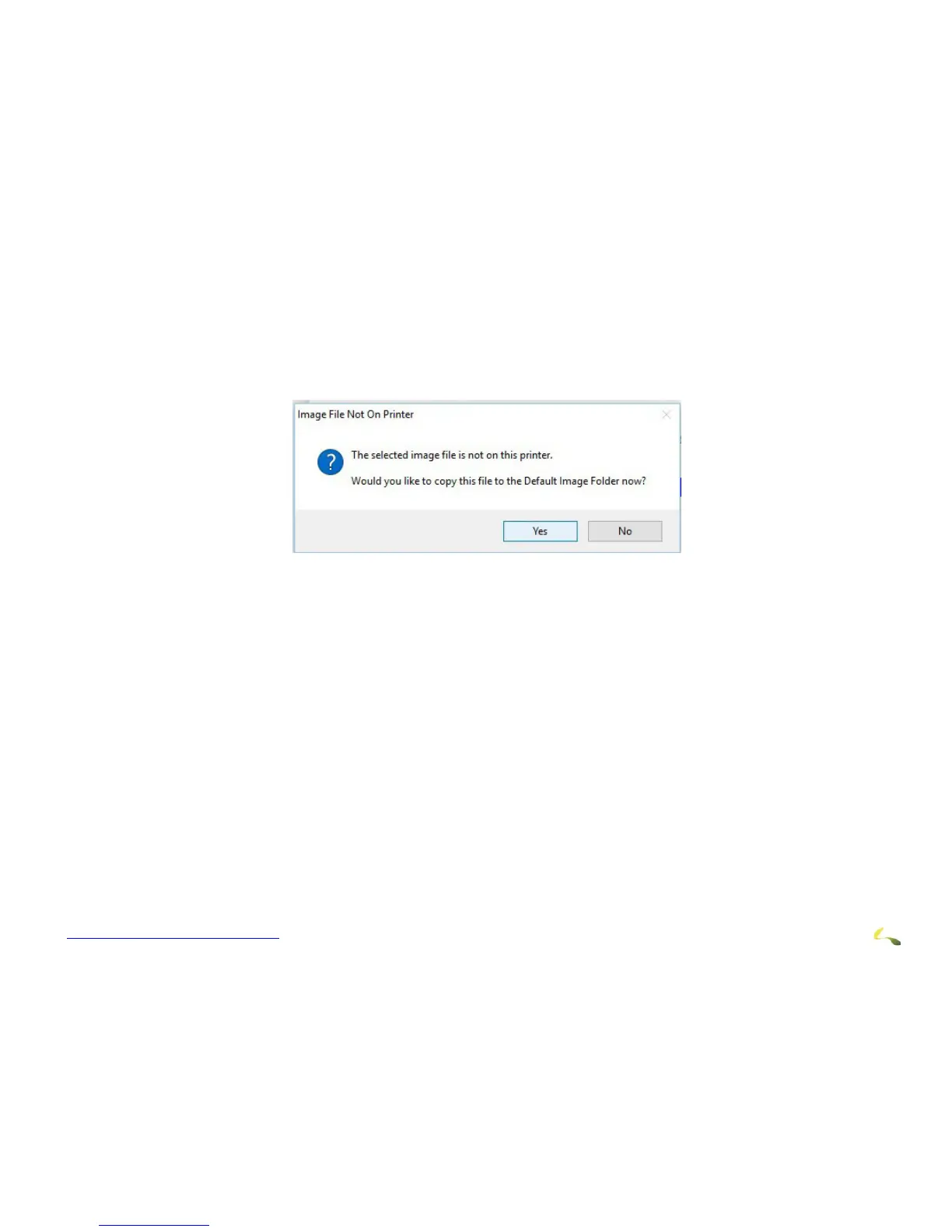
If the BCO is not in route directory, for example because you are using a USB flash drive import, the system
displays a prompt asking, “Would you like to copy this file to the default image folder now?”
• Select Yes to move the file.
Figure 4-8“Image File Not On Printer” Prompt



 To Next Page