Document ID: OMM-00148 Rev. B
74
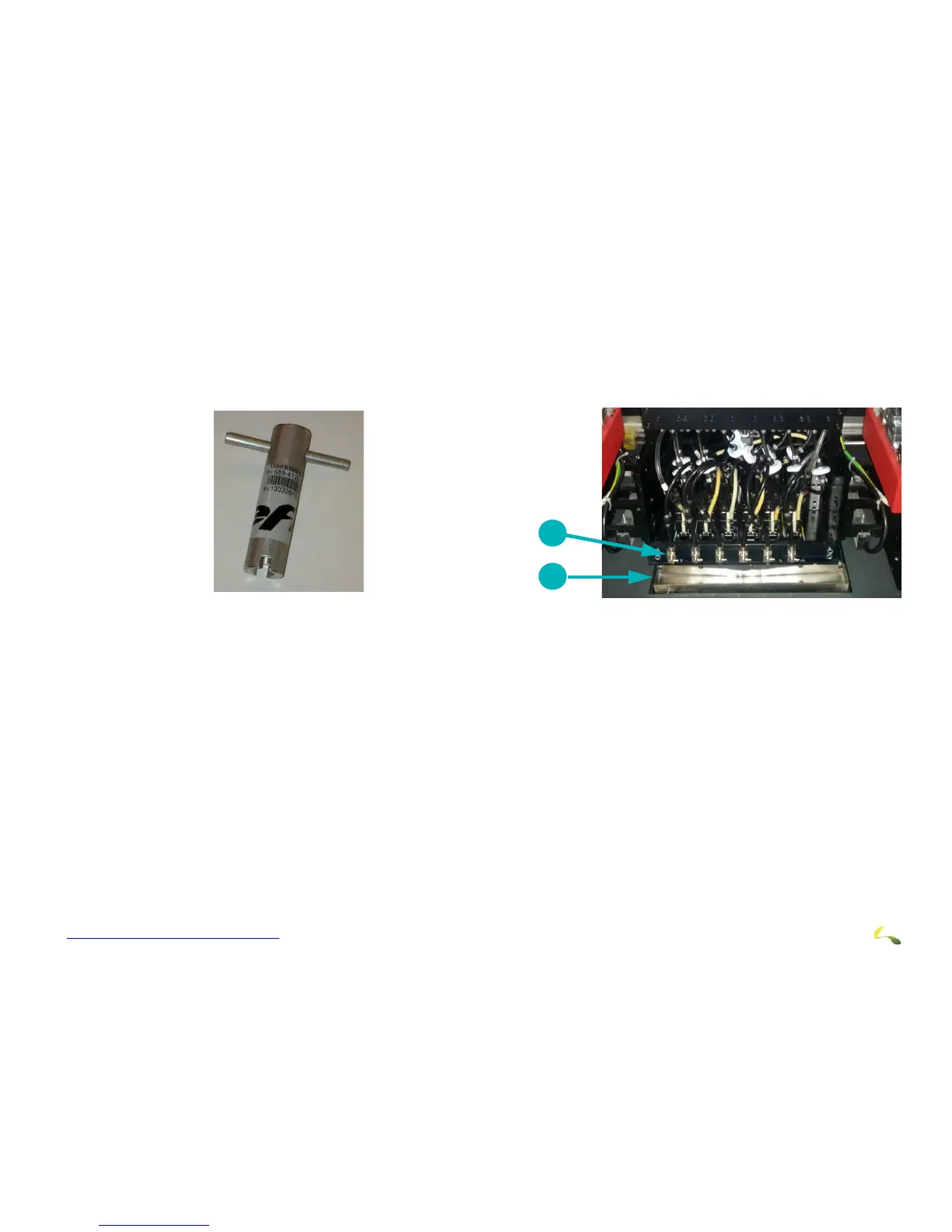
6. Using the special bleed valve tool (P/N 45117492), open the bleed valves, press the Purge button, and bleed print heads one at a
time.
7. Allow the ink to run until it shows no sign of air bubbles. Ink runs into the trough and down into the cyclonic vacuum system.
8. After completion, ensure all valves are tightly closed.
9. Perform another purge and sweep the heads.
10. Re-run the Nozzle Check test print until satisfied that the print heads are firing properly.
Figure 8-2: Bleed Valve Tool (P/N 45117492) Figure 8-3: Bleed Valve and Trough
1Bleed Valve
2Trough



 To Next Page