Transport Window
97
User Guide
Version 4.1
r
memory for a certain operation, you can optimize the memory
automatically.
Double-click the Free Memory Field. A dialog box will appear
asking if you want to reorganize the memory. If you confirm
this, your computer’s RAM will be reconfigured, creating addi-
tional space for data.
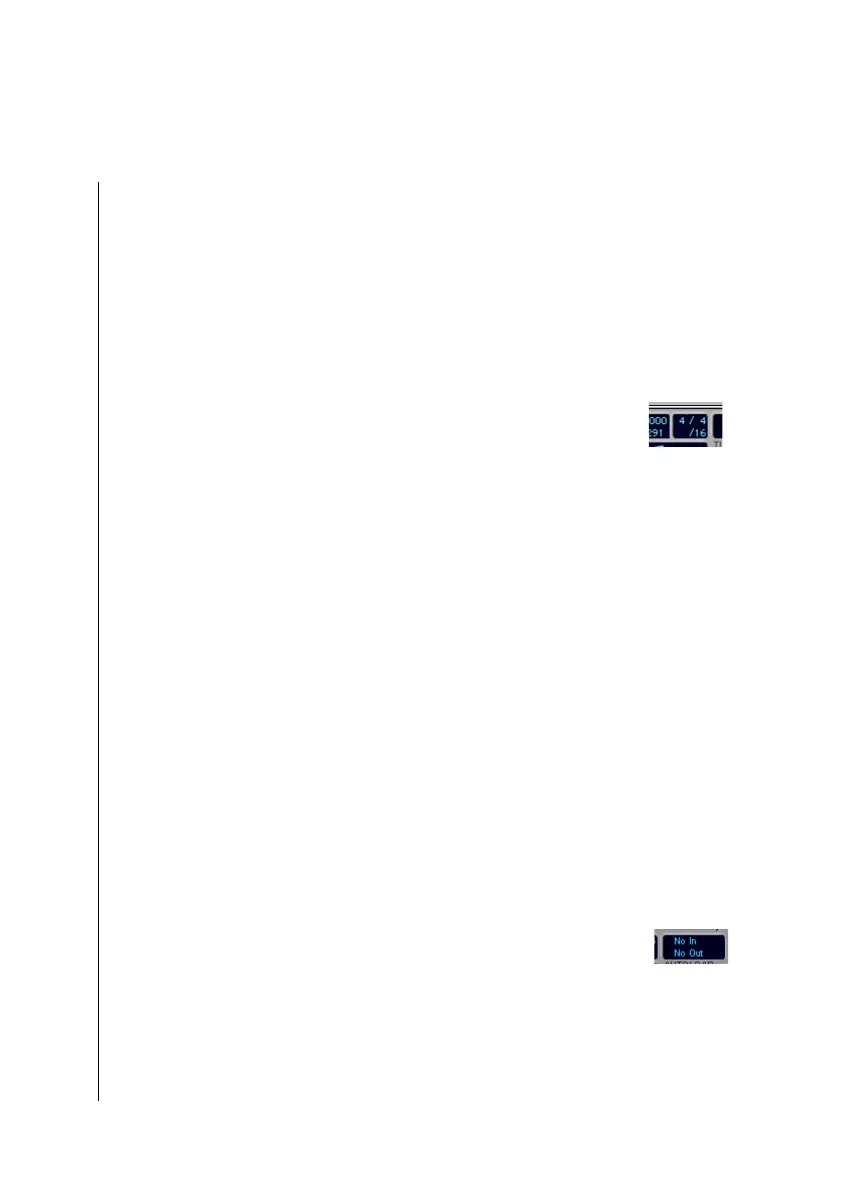
Time Signature and Display Format
Here you can set the time signature for your song, by grabbing
the numerator or denominator, and sliding the mouse to set the
desired value. The time signature change will take effect at the
current song position. This way, you can insert time signature
changes in your songs, by simply moving the SPL to the
desired position, and changing the time signatire display in the
Transport. The new time signature will appear in the bar ruler,
and will remain in effect until you insert another at a later point.
Beneath the time signature field, you will find another subdivi-
sion, which gives the Display Format value for the song.
Logic fun uses this Display Format value:
•
as the third field in the position display for the locators and
the event list.
•
for subdividing the bar ruler (see below).
•
as a MIDI-metronome division value.
•
as step size for the moving of notes in the Score editor.
MIDI Indicator
The MIDI indicator field gives you a real time diaplay of MIDI
events Logic fun is currently receiving or sending. This is
useful to test the connections between Logic fun and your
MIDI equipment.
This field also allows you to send a MIDI reset command.



 To Next Page