Key Commands
87
User Guide
Version 4.1
r
When you install updates to your version of Logic fun, your
personal key commands will remain unaltered.
Special Keys
Some keys have special functions:
•
The modifier keys S, ç, and A (Windows), or ç, O,
and C (Mac) can only be used in conjunction with other
keys.
•
The backspace key (D) has the fixed function “delete
selected objects”. It can only be assigned a function in
conjunction with the modifier keys.
•
The + and _ keys increase or decrease any selected para-
meter value in single units. However, they can be assigned
different functions which overwrite this function.
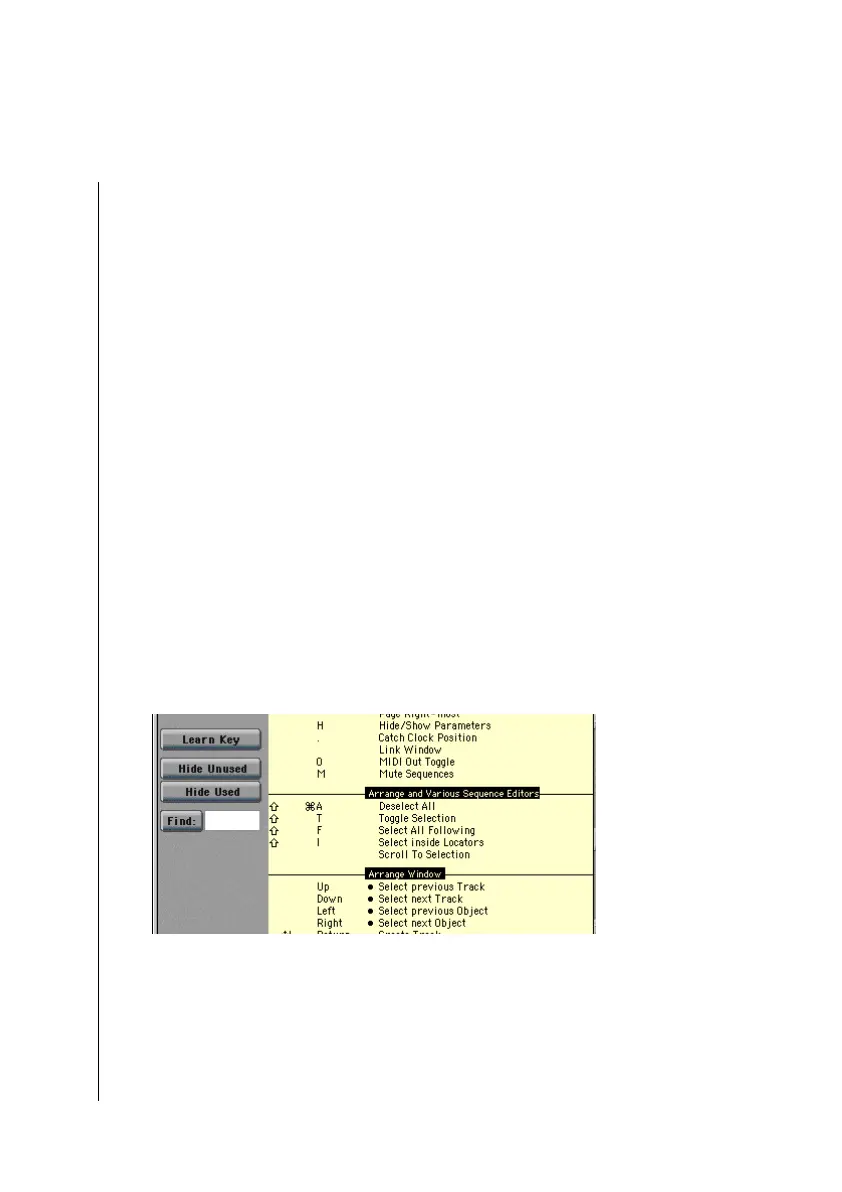
Key Commands Window
The Key Commands window can be opened by selecting
Options > Settings > Key Commands.
All the available key commands are listed on the right side.
They are grouped according to the following categories:
•
Global commands
•
Functions affecting all windows (various windows)
X



 To Next Page