56
Chapter 4
MIDI Tutorial
Emagic
Logic fun
entire section to measure 33, while keeping the modifier key
pressed. The entire passage, including the stop sequence, will
be copied, and you’re done.
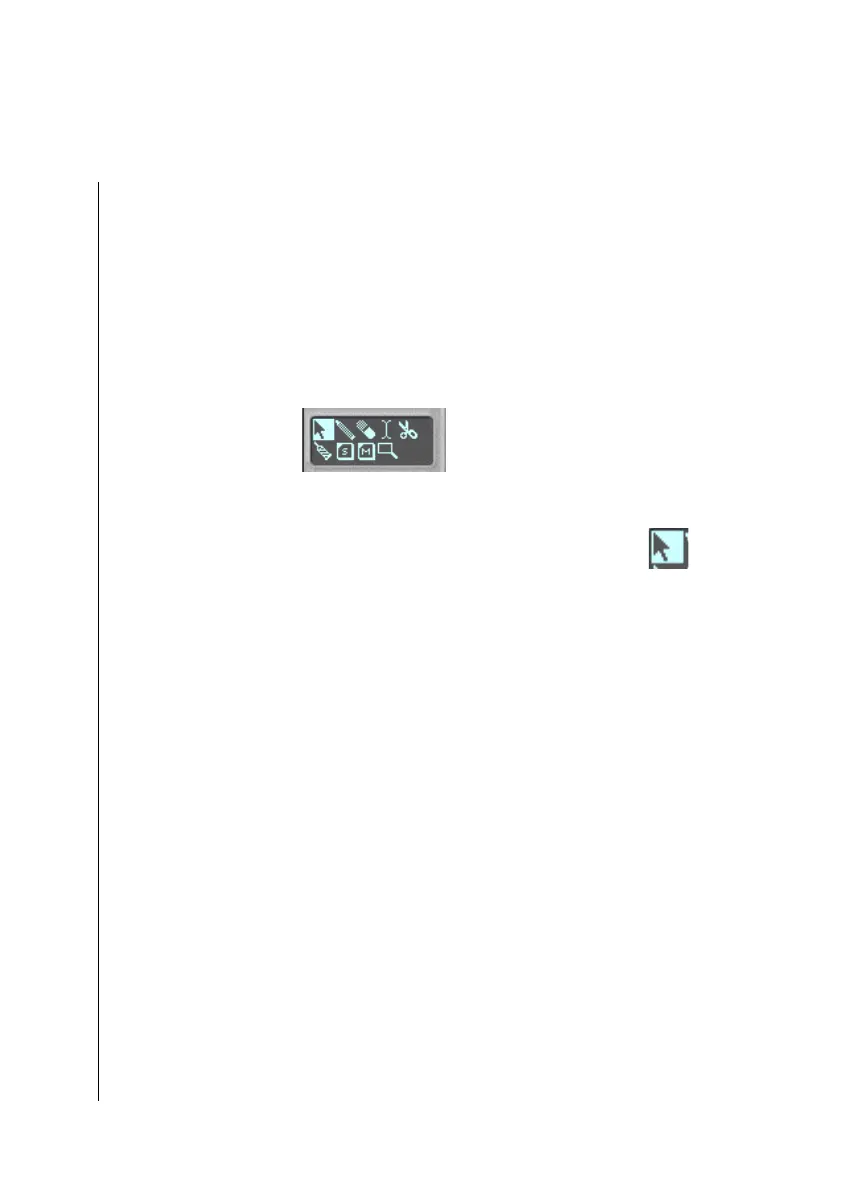
The Toolbox
In the toolbox, you may select the desired editing tool, by click-
ing on it with the mouse. In the Windows version, you may
select a second tool with the right mouse button.
Mouse Arrow
Using the mouse arrow—the standard tool—you can move
sequences onto other tracks, or to other positions in the Arrange
window.
Let’s insert a B part in front of the groove section of the Tutorial
song. Half way through the section, we will transpose the B
section by a semitone. To do this, the groove part must first be
moved back eight measures:
•
Press the mouse button and rubber band select all of the
groove section sequences. Grab them, and drag them eight
measures to the right. The position display in front of the
information line serves as a reference point. The information
line should read “41 1 1 1” when you release the mouse
button.
The arrange area should look something like this:



 To Next Page