Song Administration
89
User Guide
Version 4.1
r
Filtering the Display
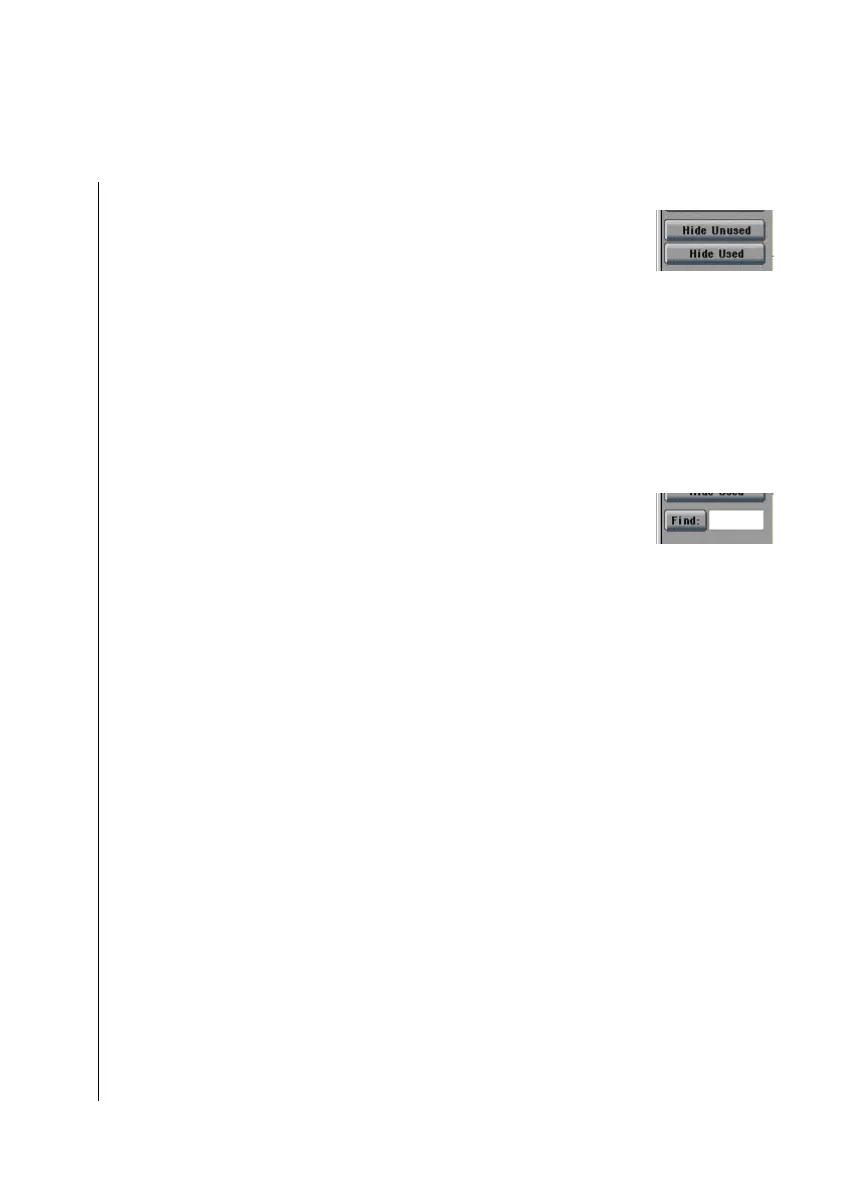
You can use the Hide Used and Hide Unused buttons to hide all
the used, or unused key commands.
All the other Key Commands window functions remain avail-
able for you to use.
Finding Key Commands
Due to the large number of possible key commands, it can
sometimes be difficult to find a particular one. For this reason,
Logic fun offers a Find function, which lets you search for a key
command by typing in its name (or a part thereof).
Simply click in the white space to the right of the Find: button
and enter the string of characters you’re searching for. The
window will display only those key commands containing that
character string (plus the selected command, even if it doesn’t
contain that string) if you then click find or return R.
The Key Commands window remains active, even in Find
mode; you don’t have to leave this mode to continue making
assignments.
The Find function is not case-sensitive, it makes no distiction
between upper, and lower case characters.
The Hide Unused and Hide Used buttons work in combination
with Find. This means you must switch off both in order to see
all the commands that fit the search criteria, regardless of the
commands’ current assignment.
The Find: button switches Find mode off and on. The button is
automatically activated if a string of characters is entered.
5.8 Song Administration
All events, other objects and settings (apart from the Prefer-
ences and key commands) are components of a song. Songs are
handled in the File menu.



 To Next Page