188
Chapter 13
The Score Editor
Emagic
Logic fun
the playback. Note: The tempo indication in the Transport
window always relates to quarter notes, even if eighth notes are
chosen as the denominator for the time signature.
Editing Time Signatures
All time signatures can be edited by double-clicking on them. A
dialog box opens, where you can insert the desired changes. To
delete a time signature change, use the Eraser tool or select the
signature and press B.
13.6 Move, Copy and Paste in the
Score Edit Window
Moving or copying of complete sequences, or major parts of a
sequence should generally be done in the Arrange window.
Still, most of the following described functions in the Score
window work similarly to Logic fun’s other editor windows.
However, it is not possible to copy, or move time or key signa-
ture changes.
Moving/Copying with the Mouse
You can move/copy by dragging the selected objects (with O
(Mac), or ç (Windows) for copying). This allows you to move
or copy any number of notes to other bar positions and/or
pitches.
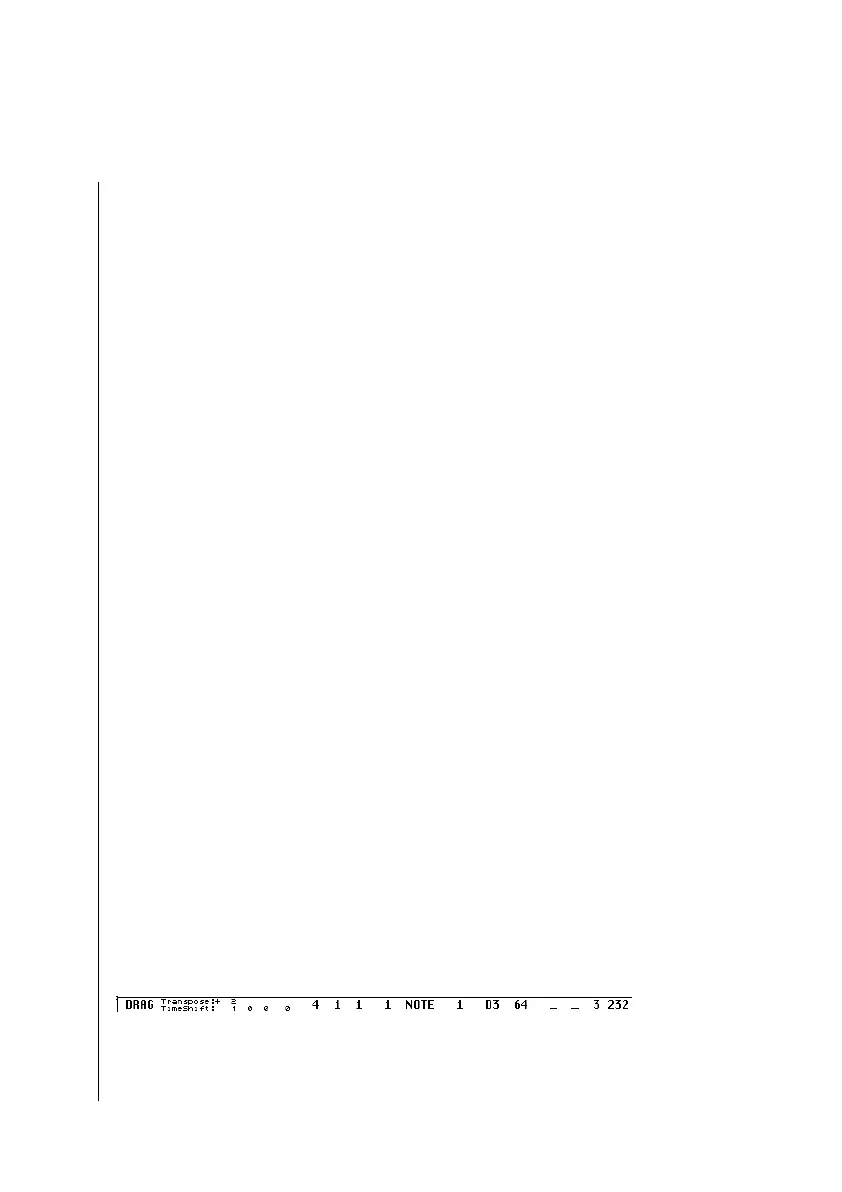
It is important to watch the Info Line, which appears during this
process. It shows the status (Drag or Copy), the difference from
the original position (Transpose and Timeshift), and the current
cursor position (bar position and—for notes—pitch).



 To Next Page