194
Chapter 13
The Score Editor
Emagic
Logic fun
The Parameters in the Display Parameter
Box
Title Line: Name of the Sequence
The name displayed here is identical to the name of the
selected sequence in the Arrange window. It can also be edited
from here. A click on the name opens a text entry field. If more
than one sequence is selected, this line reads X Sequences
selected, if nothing is selected, Insert Defaults (the default settings
for new sequences).
Style
The Score Style used for the score display of the selected
sequence. This is selected from a flip menu, which contains all
available Score Styles for the current song.
Score Styles have no influence on the rhythmic interpretation and display, but are
used to control such general display factors as the clef, display transposition and
number of staves for the sequence. Their features are explained on page 196
.
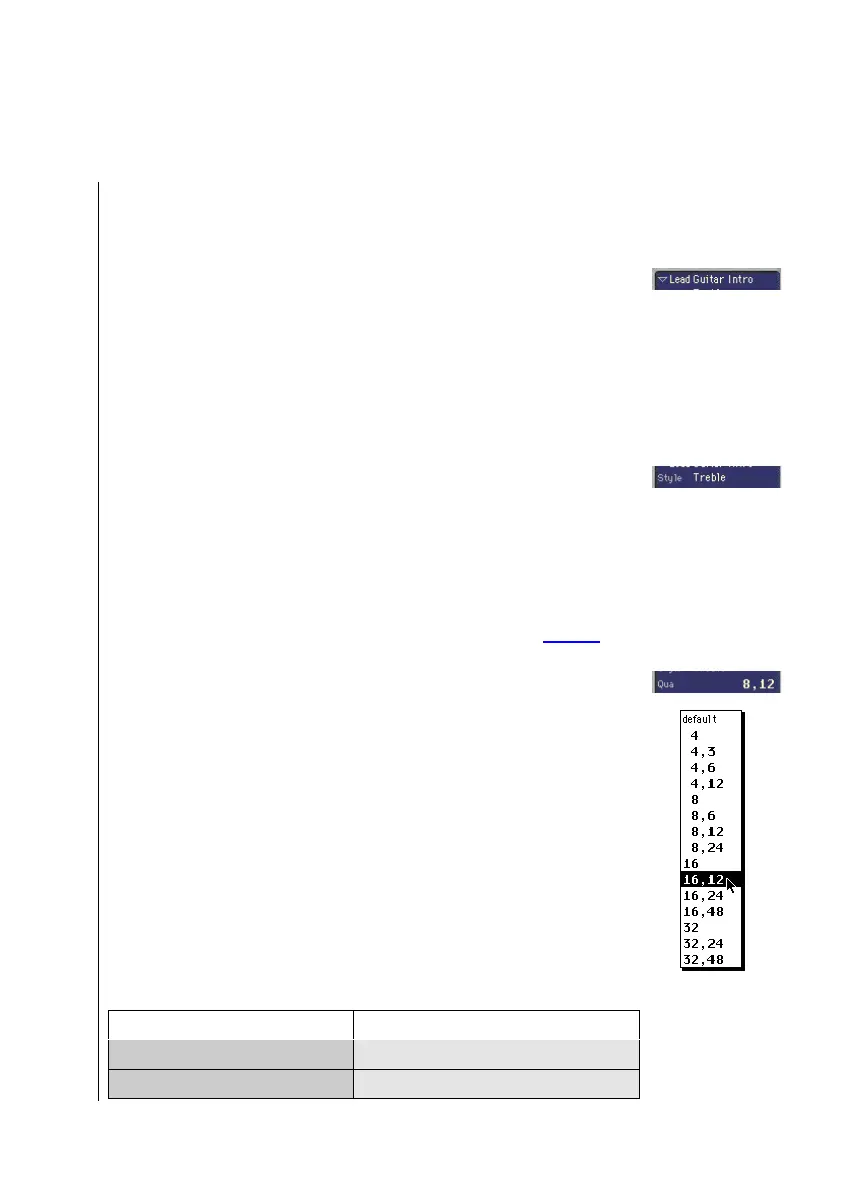
Qua (Display Quantization)
This parameter determines the shortest note value which can
be displayed in the corresponding sequence.
The Qua value is chosen from a flip menu which contains the
available display quantizations. Among these there are binary
quantizations (displayed as one binary value like 8 or 32), and
hybrid quantizations (two values combined, a binary and a
ternary value, i.e. 8,12 or 16,48).
The binary values always correspond to the note value with the
same denominator, i.e. 32 = thirty-second note etc. Ternary
values refer to triplet settings. Here is a list of the ternary values
and their corresponding triplet values:
“Qua” Setting Corresponding Note Length
3 1/2-note triplets
6 1/4-note triplets



 To Next Page