216
Chapter 15
Video and MIDI Files
Emagic
Logic fun
You must have Apple QuickTime™ to play QuickTime movies
on your Macintosh. This is a system extension that is a part of
all newer operating system versions.
Opening a QuickTime movie in Logic fun:
1. From the menu bar, select Options > Movie… or Options >
Movie as Float….
A dialog box appears in which you can select the QuickTime-
Movie.
2. Select the movie and confirm by clicking OK.
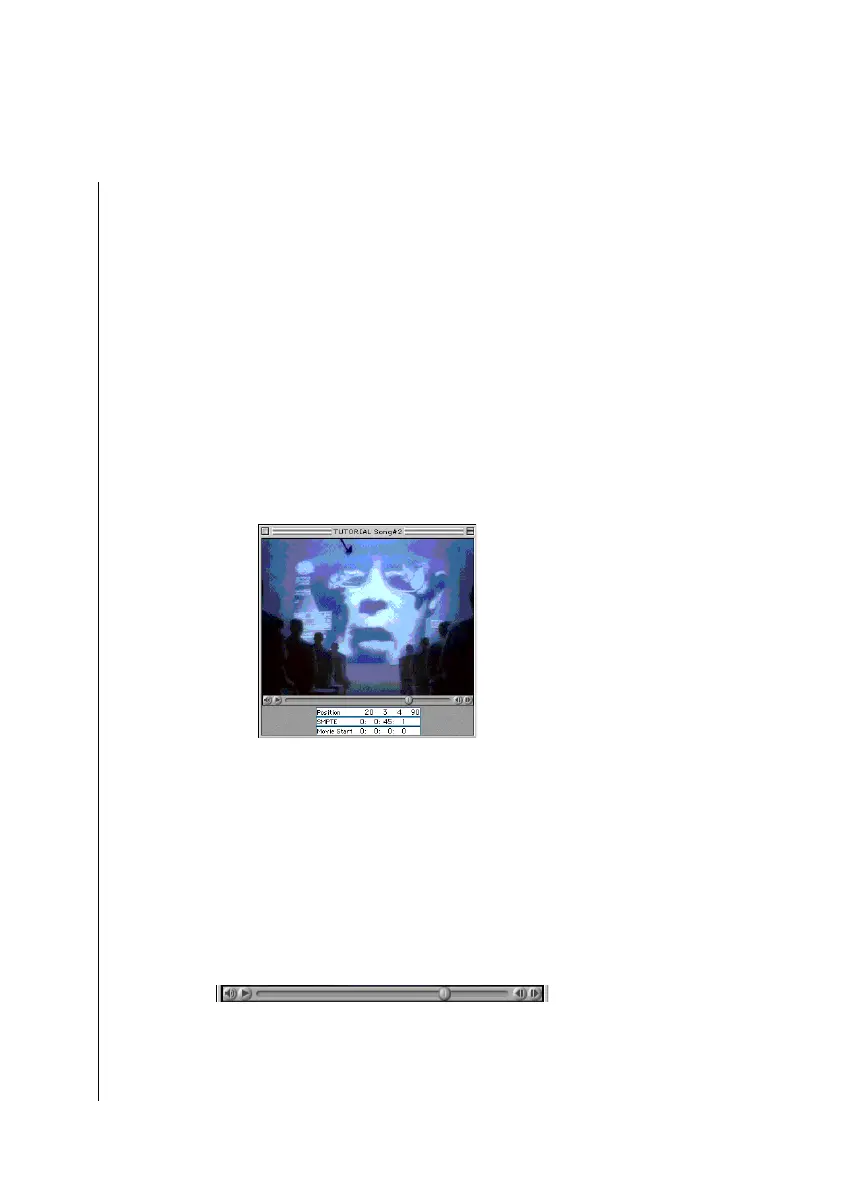
This loads the movie. Logic fun opens an additional movie
window in which the video is run.
You can navigate using the Transport in Logic fun or in the
movie window. The movie and song will be synced together, so
that changing position in one will affect the other.
Transport Functions of the Scroll Bar
You can use the scroll bars below the movie field to move back
and forth in the movie. Logic fun follows the movie running
parallel to it.
•
The movie scroll bar allows you to quickly jump to different
points in the video. Grab it with the mouse and drag it left or
right.
Tip



 To Next Page