60
Chapter 4
MIDI Tutorial
Emagic
Logic fun
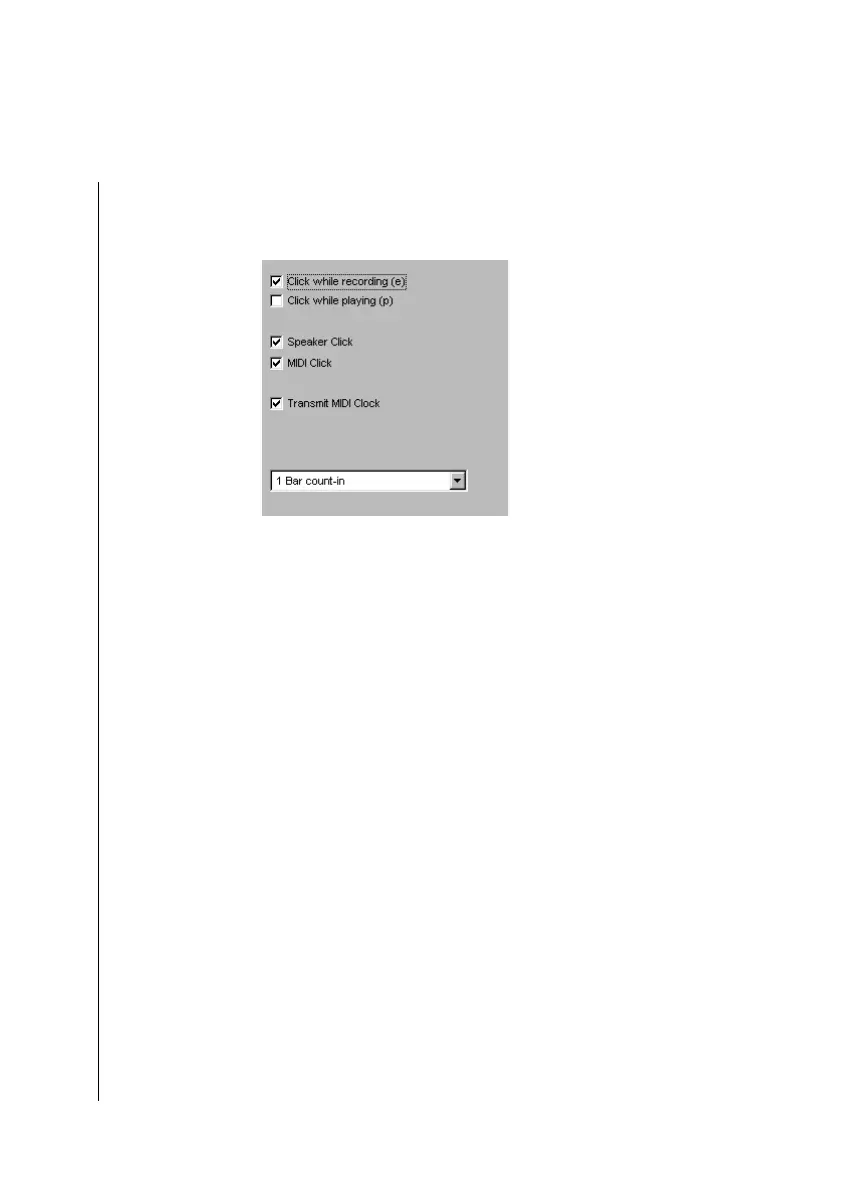
If you would like to hear the metronome via MIDI:
•
Open the Options > Settings > Recording Settings window.
Enable MIDI click. The metronome is sent on channel 10—the
drum channel.
•
Confirm by clicking OK.
Let’s Record!
•
Click in the track list on track 8—the one with the small flute
icon. This selects it as the recording track. You can now play
the flute sound from your MIDI keyboard.
•
You can select other tracks to try them out—Logic fun auto-
matically addresses the right instrument (MIDITHRU).
Finally, switch back to track 8.
•
For practice, you can now simply start play by pressing 0 on
the numeric keypad, or by clicking on Play. If the solo in E
major is difficult for you, transpose the “MIDITHRU”
simply by transposing -4 to C major. “MIDITHRU” always
appears in place of a sequence name in the Sequence para-
meter box, when you click on an empty space in the Arrange
window. Any settings you make to the Sequence parameter
box now will be applied to any subsequently recorded
sequences.



 To Next Page