96
Chapter 6
Transport Functions
Emagic
Logic fun
Tempo
The song tempo is shown in beats per minute (bpm). You can
set the tempo in increments of 1/10000th of a beat, anywhere
from 0.5 to 9999 bpm. The song tempo is then set for the entire
song.
You can make changes to the tempo during the song (ritar-
dando, accelerando), using the tempo list.
Tempo List
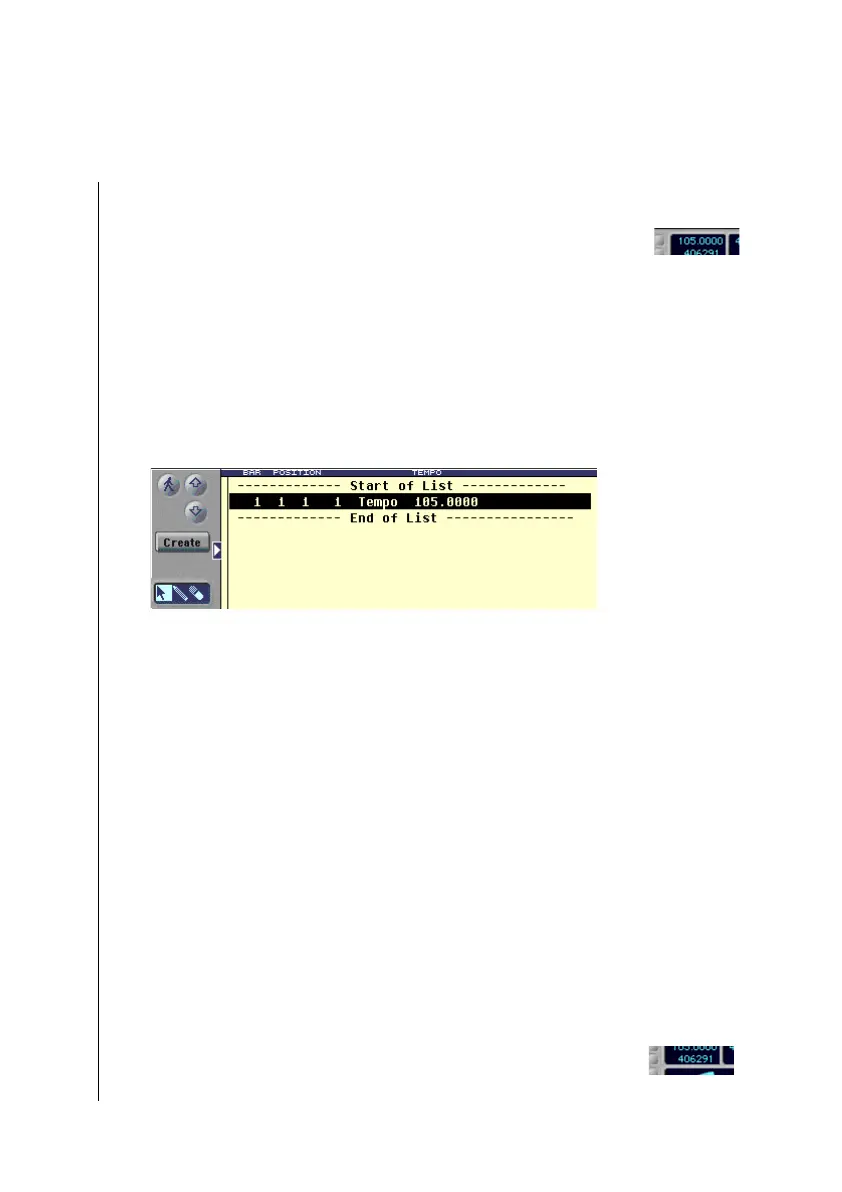
In the tempo list, you can insert and edit changes in tempo.
You can enter a tempo event at anyposition. The tempo list
controls the song tempo, and the current tempo is always
displayed in the transport window.
Here’s how to open the tempo list:
•
Select Options> Tempo > Tempo List from the menu.
Here’s how you insert a new tempo event:
1. Set the song position (SPL or transport window) at which
you want to insert the event.
2. Click on the Create button in the tempo list window, or
click on an existing tempo event with the pencil.
Tempo events in the tempo list can be edited or deleted, just as
they would in the event list (see chapter 6.)
Free Memory
This indicator informs you of remaining available memory,
measured in events. If Logic fun warns that there is too little



 To Next Page