Transport Functions
57
User Guide
Version 4.1
r
Undo
Did you make a mistake, like not selecting all of the sequences,
or did you move them to the wrong place?
If so, this is a good time to become acquainted with one of the
most important functions in Logic fun: “undo”. With the
“undo” function, you can always undo the last editing step.
•
Select Edit> Undo. The sequences will be reset to their orig-
inal positions. You can now put them where you want.
Copies of Sequences
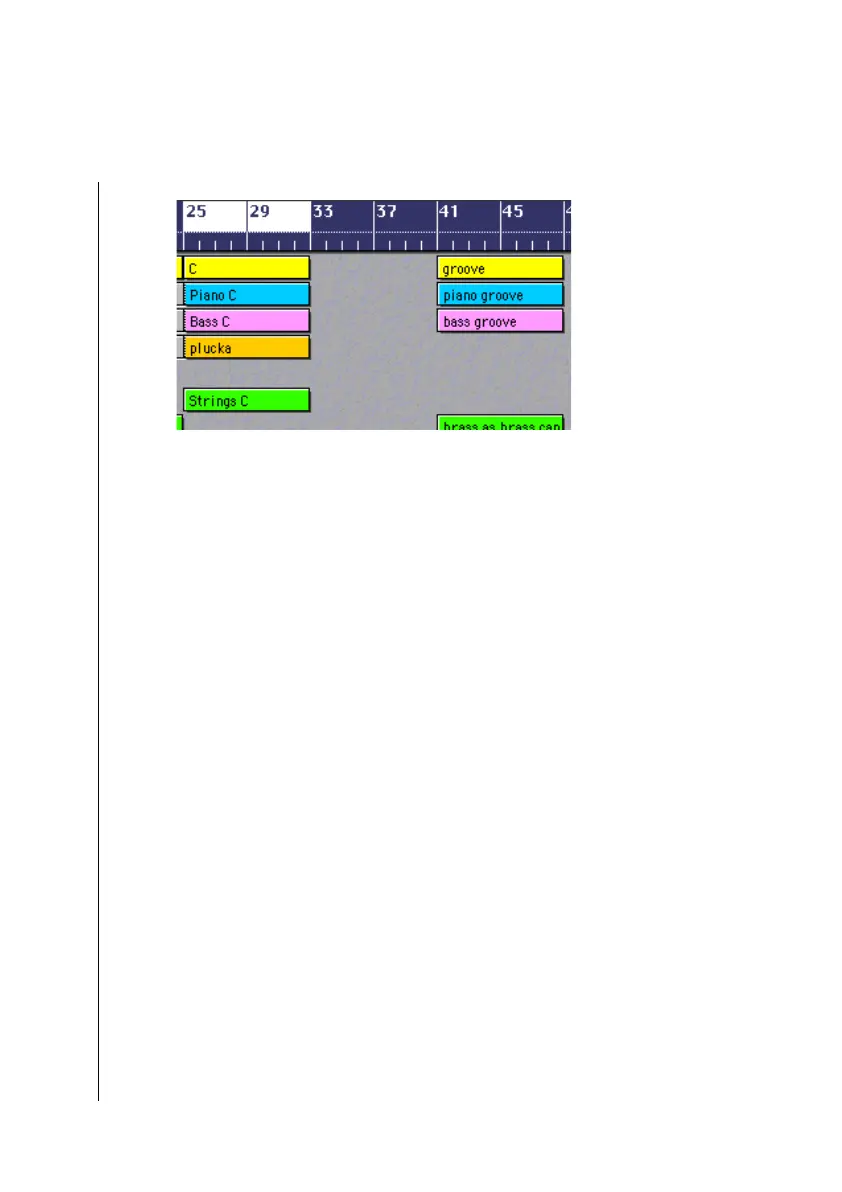
We will now copy the section “B theme” to the empty area
created when we moved the “groove” section..
Rubber band select the sequences of the “B groove” section.
Press ç (Windows) or O (MacOS) and click-hold on one of
the selected sequences. Move the mouse to the right. A copy of
all of the selected sequences is now dragged with the mouse
pointer. Set these to measure “33 1 1 1”, where they will fill the
space left by moving the “groove” section. The newly created
sequences will have the names of the originals, with the text
“*copied” appended to the end of the name. You decide
whether or not this extension should appear in the sequence’s
name by going to the
Options > Settings > Global Preferences
… Place an X in fthe checkbox to the left of the line “Add ’Last
Edit Function’ to Sequence Name”, if you want a description



 To Next Page