93
User Guide
Version 4.1
r
Chapter 6
Transport Functions
6.1 Transport Window
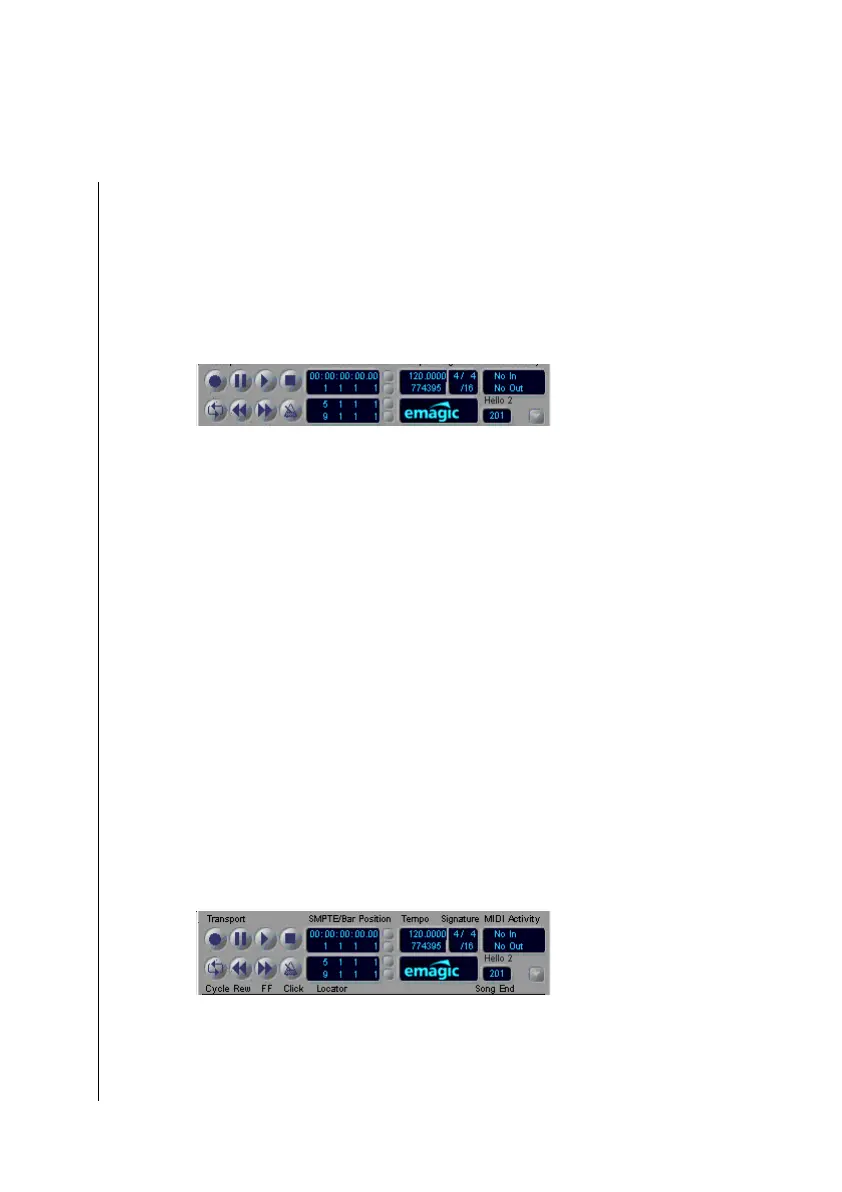
The Transport window is a small, floating window in Logic fun,
which contains the controls for operating the playback, cycle,
and other transport functions. The Transport window is called a
“floating window”, because it cannot be obscured by other
windows, it is always on top.
Display Options
You can open the transport window, if it has been closed, by
selecting Windows > Open Transport or çC7.
Indicator Options
If you click-hold on the small downward pointing arrow on the
lower right-hand side of the Transport window, a flip menu will
appear, allowing you to change its layout.
Legend
Here, you can switch on a description of the buttons and
display fields. We recommend that you take advantage of this,



 To Next Page