159
User Guide
Version 4.1
r
Chapter 11
The Event List
The Event List displays MIDI data in the form of a “list”,
combining all the data-editing functions of the other editors,
(except for graphic operations, and the expressive options
offered by the Score Editor).
The Event List is used whenever you need to make precise
alterations to recorded MIDI data, and the graphic display of
the other editors is not suited to the task. It is the only editor
which gives you access to all recorded event data. You can also
filter the view, allowing you to edit only specific event types.
Opening the Event List
To open the Event List and view the contents of the selected
sequence, select Windows > Open Event List, or use a key
command (Open Event Editor…).
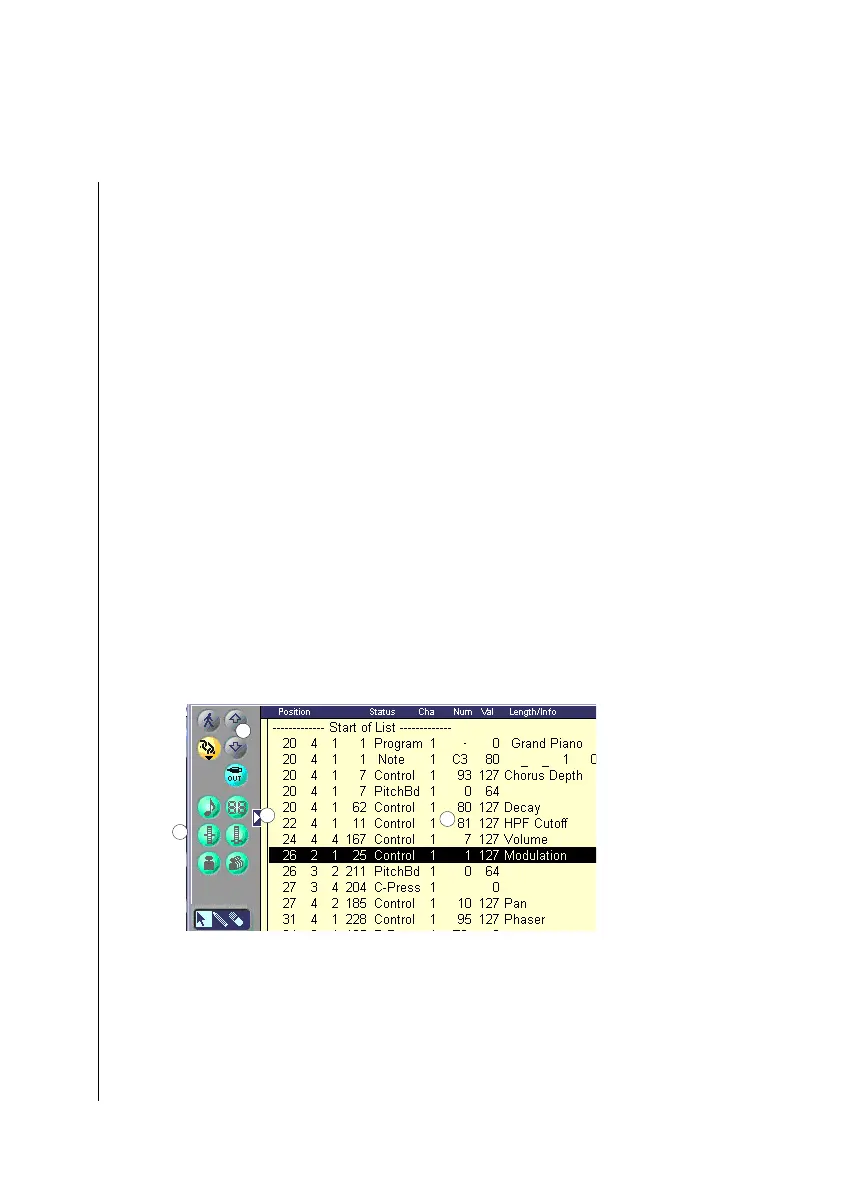
Structure
The standard buttons are supplemented by two scroll arrows
1
to help you move through the list. The event type buttons
below them
2
allow you to filter specific event types from the
X
1
2
3
4



 To Next Page