164
Chapter 11
The Event List
Emagic
Logic fun
Flexible Relative Value Alteration
If you want to continue altering a parameter value in a multiple
selection (even if one of the values in the selection has reached
its maximum or minimum), hold down the O (Mac) or ç
(Windows) key while you move the mouse, or press R to
confirm a numerical input.
Absolute Value Alteration
If you want to set a parameter to the same value for all selected
events, hold down the S and O (Mac) or S and ç
(Windows) keys while you use the mouse as a slider, or press
R to confirm a numerical input.
Numerical Value Input
If you want to directly input a number, double-click the rele-
vant parameter.
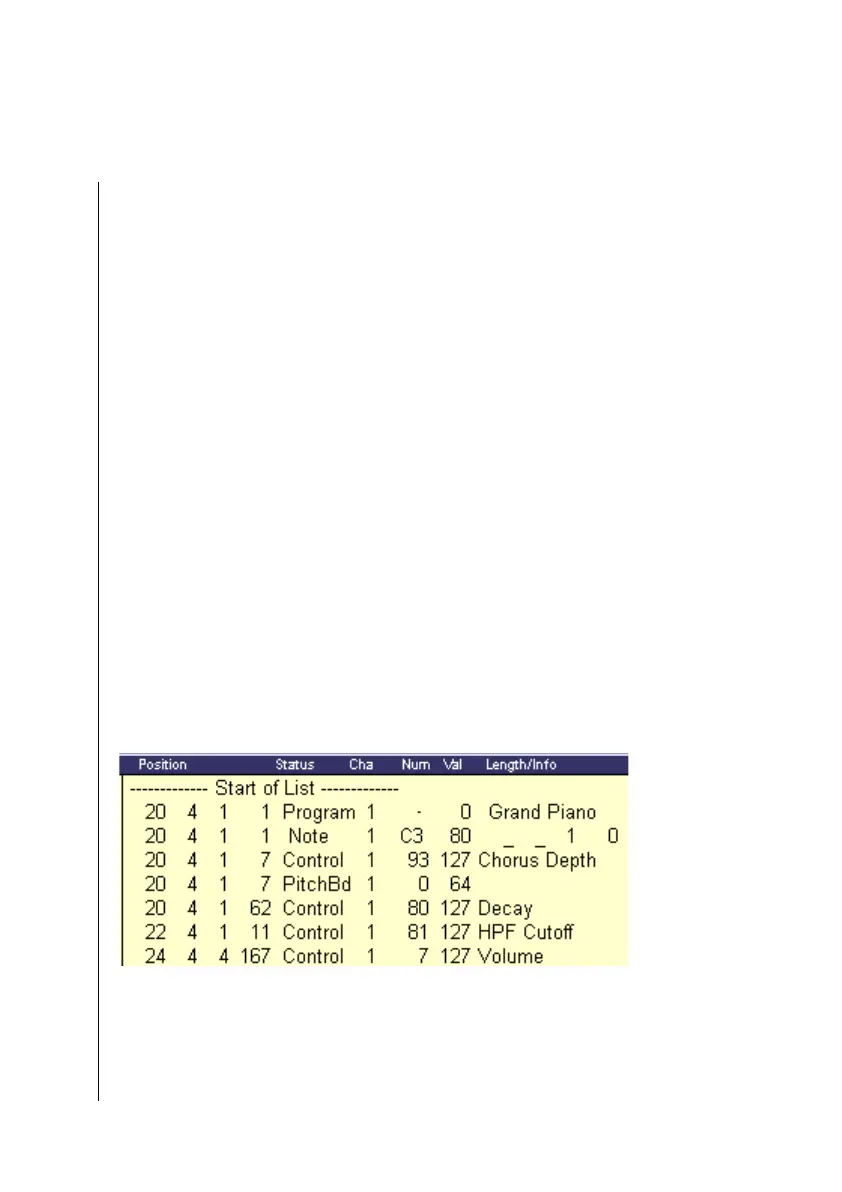
11.3 Event List Structure
The individual columns in the list have the following mean-
ings:
Position
The position of the events in the song; for note events this
means the beginning of the note. The units represent bars,
beats, divisions, and ticks.



 To Next Page