171
User Guide
Version 4.1
r
Chapter 12
The Matrix Editor
The Matrix editor is used to graphically edit note events. Its
advantage over the other editors is its ability to provide a more
precise display of the length, position and velocity of the notes.
The Matrix editor is ideal for fine-tuning the positions and
lengths of notes.
Opening the Matrix Editor
To open a Matrix editor window showing the contents of the
selected sequence, double-click the sequence, select Windows
> Open Matrix Edit or a custom key command (Open Matrix
Editor).
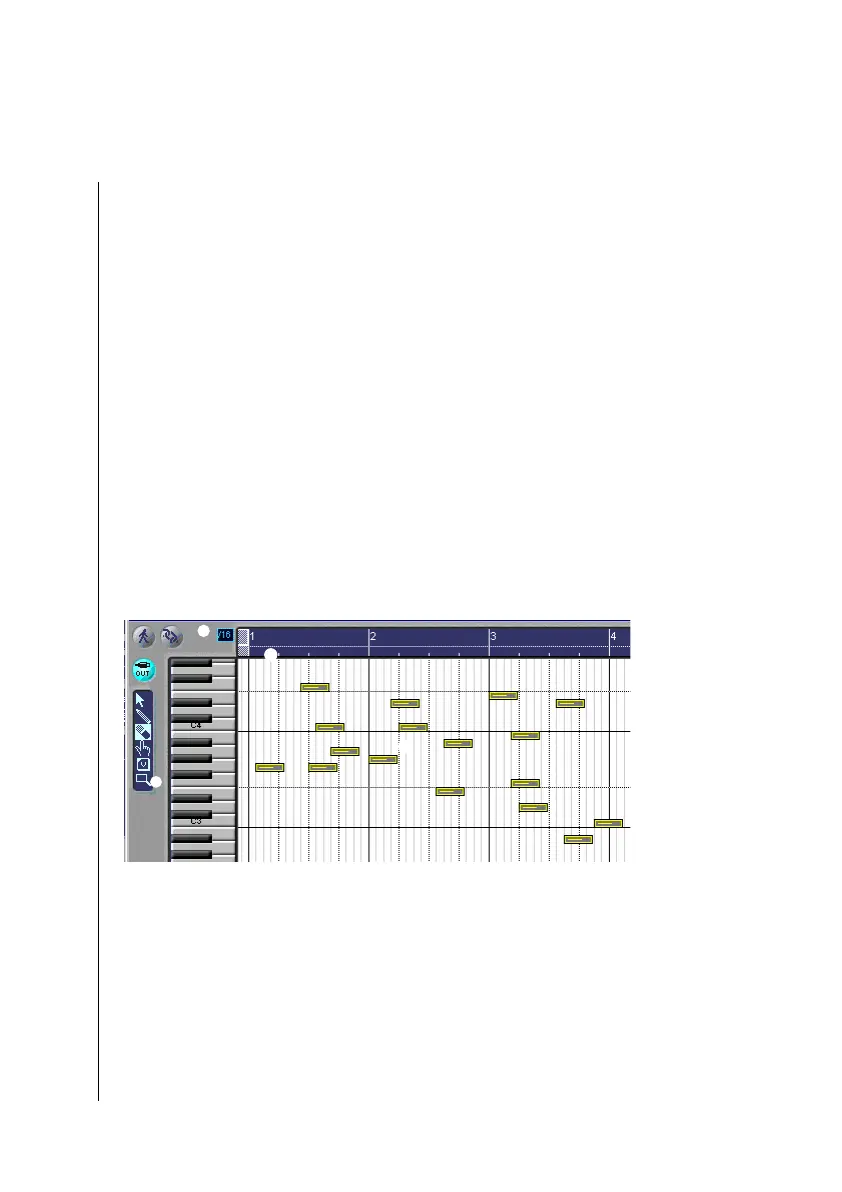
The parameter field
1
contains the standard buttons and the
toolbox. As in the Arrange window, there is a bar ruler along the
top edge
2
. To the left of this (just as with the Transport
window), you can define the sub-division
3
. The vertical
keyboard display
4
indicates the pitch of the notes which are
depicted as horizontal beams
5
.
X
1
2
4
5
3



 To Next Page